PRECAUTIONS
3
Feedback
Feedback is a howling or shrill sound that is self-generated by the
sound system. It is caused by microphone pickup of the sound
emanating from the speaker and then being re-amplified. Once
started, feedback will continue until adjustments are made.
Feedback Causes
• Microphone too close, pointing towards or in
front of speaker.
• Volume setting too loud for room.
• Sound reflections from hard surfaces, walls, etc.
Avoiding & Eliminating Feedback
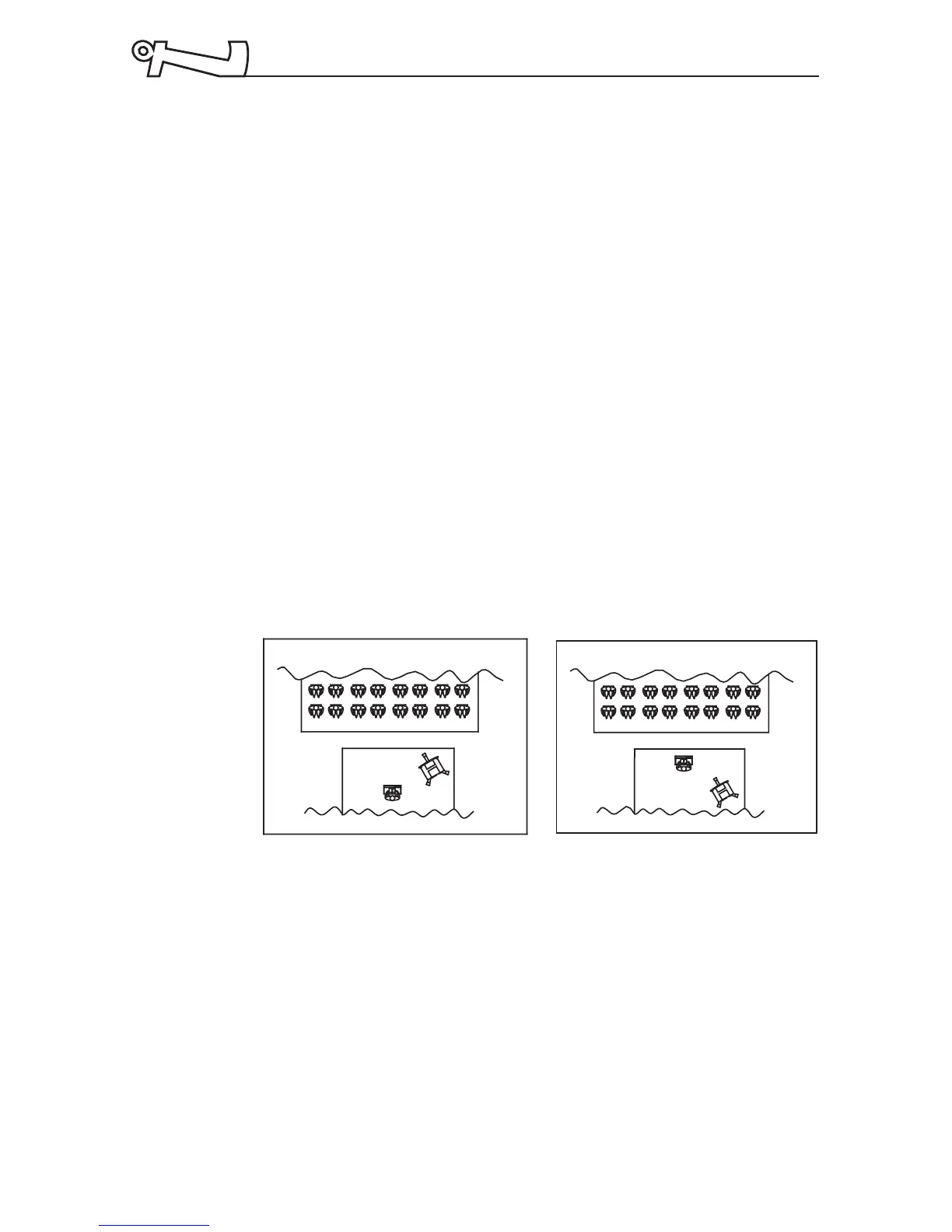
• Point the microphone into a different direction.
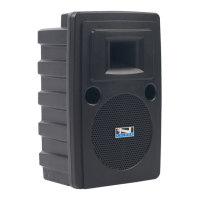
• Keep the microphone away from the speaker; position
the speaker in FRONT of the microphone.
• Reduce the volume of the sound system. Set all volume
controls to minimum prior to powering the sound system.
Acceptable Unacceptable
CAUTION:
Feedback can
be damaging
to both your
equipment
and a persons
hearing.
CAUTION:
Harmful
feedback may
occur when
walking in
front of a
sound system
or speaker
with a
wireless
microphone.
Always point
mic away
from speakers.



 To Next Page