- 17 -
VII. Appendices
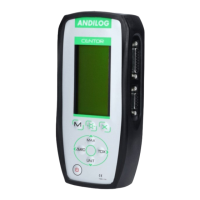
1. Key action
Button Measure Mode Menu Mode
ON/Off Turn On & Off your device Turn On & Off your device
M Access to the menu mode Exit and Save
O Backlight Backlight
X Inactive Exit without saving
MAX Change the value displayed on
line 2
Up
TDX Send data through RS232 or
save data to the STAT mode
Right
UNIT Change the measurement unit Down
ZERO Zeroing the force gauge Left
2.
Save and load a setting
You can store a configuration, and reload it at any time. To do so, press the M key to go to the Menu
mode then:
• Press ZERO and M to save the configuration
• Press TDX and M to reload the saved configuration
• Press X and M to load the factory configuration
3. Error Messages
The AUTOTEST screen displays if:
• The device detects a minor or major default when it starts
• In the SYSTEM sub menu, by pressing the keys: M and MAX
a. Minor defaults
• Low battery level
• Calibration is due
• Backup battery is out of order
Press the MAX key to continue
b. Major defaults
• Load cell is out of order: “Off” value is higher than 3%
• Counter of overload reach its maximum value: “OVERL” value is higher than 10
• Internal error
Please contact ANDILOG


 To Next Page