Side lens: Used to observe the back or side of an object.
④Sleeve: Fixed object distance when observing large area flat objects.
⑤White earmuffs: Used to check holes with a diameter smaller than the body diameter (12mm).
3. 1 set of bracket
6. Instructions for connecting to a computer
①System requirements
※ IBM PC compatible computer.
※ INTEL PIII and above compatible models.
※ 256M RAM.
※ 3D graphics card at least 64M RAM. Support 32bit color display.
※ 1 usable USB interface (USB 2.0 interface is recommended for best use).
※ WinXP/7/8 system home edition or professional edition. Hard disk with capacity above 40G (with CD-ROM).
②Connect to the computer
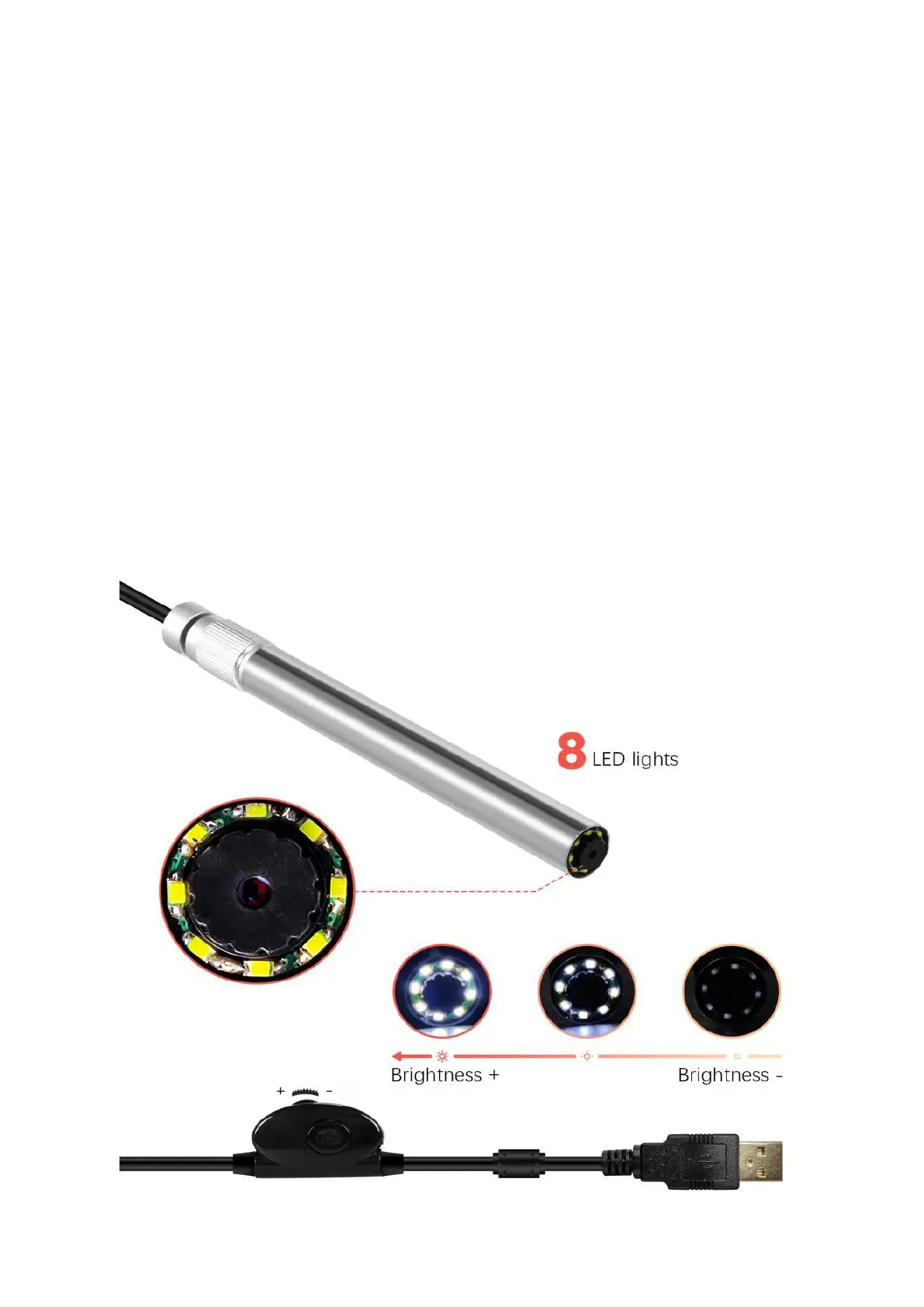
The digital microscope is connected to the computer via a USB cable.
The USB cable of this product is 1.5 meters, and a dimming potentiometer is installed in the middle. By turning the
pulley on the dimming potentiometer, the brightness of the front lighting of the digital microscope can be adjusted.



 To Next Page