Continuum CPU Reference
27
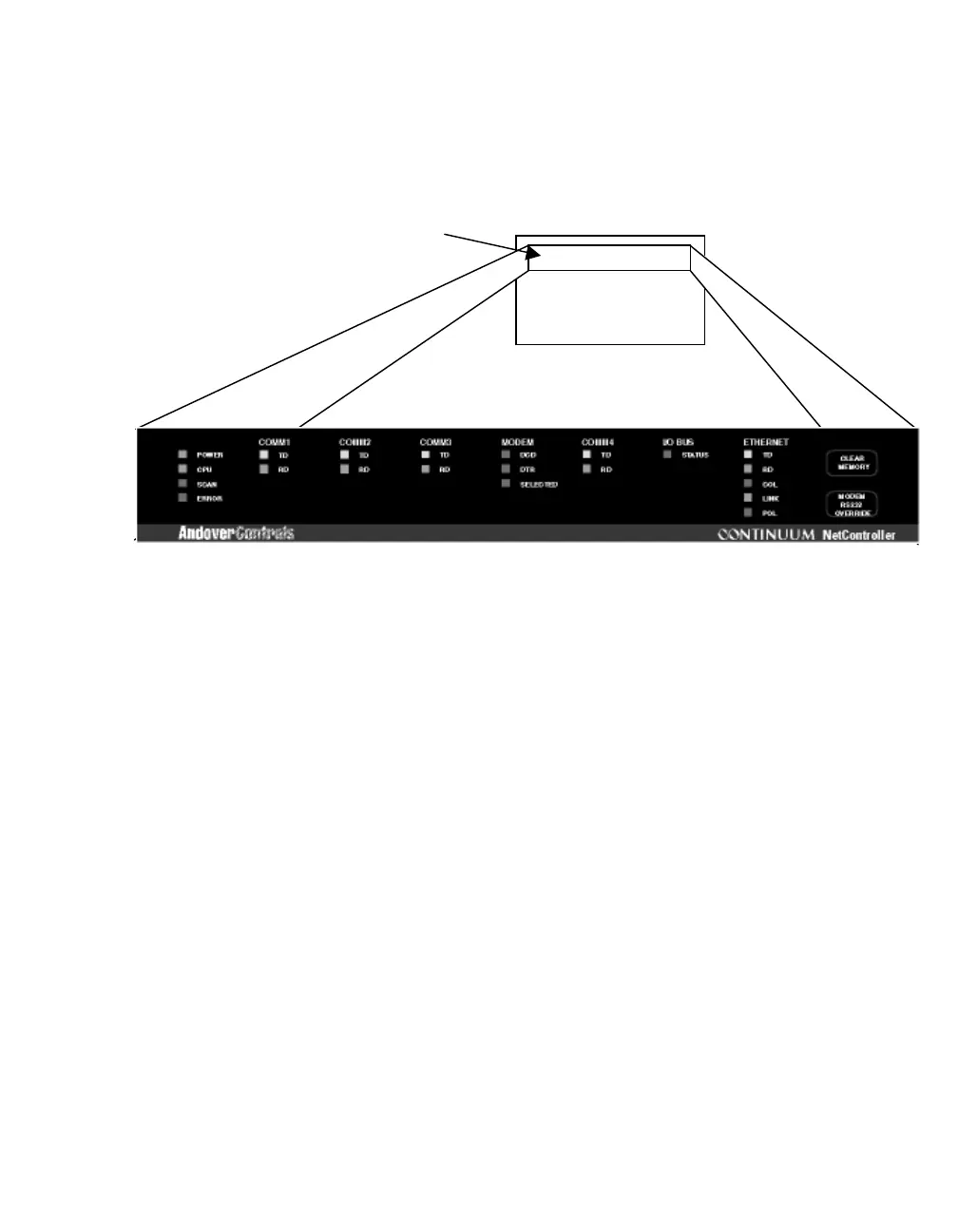
Status/Control Panel
Status Indicators
The NetController includes a complete indicator status panel on the front of the module.
Indicators provide status information on communications port use, Ethernet traffic and
NetController internal operation.
The following page lists the various indicators and describes their operation.
Control Push Buttons
There are two control push buttons along with the status indicators located on the front
panel. These buttons provide a hardware reset to the module as well as a way to
disengage the modem from COMM Port 3. The following describes the action of each:
CLEAR MEMORY
The
CLEAR MEMORY
button erases
all
the memory in the NetController, including
configuration details, point information, and
Plain English
programming— this action is
often referred to as a “hard reset.” Clearly, this is not a button you want to press unless
you
really
mean it—Be careful!
MODEM-RS-232 OVERRIDE
This button alternately engages and disengages the optional internal modem from
operating on COMM Port 3. Pressing the button disengages the modem. Another press
engages the modem, etc.
Status Panel



 To Next Page