APPENDICES
73
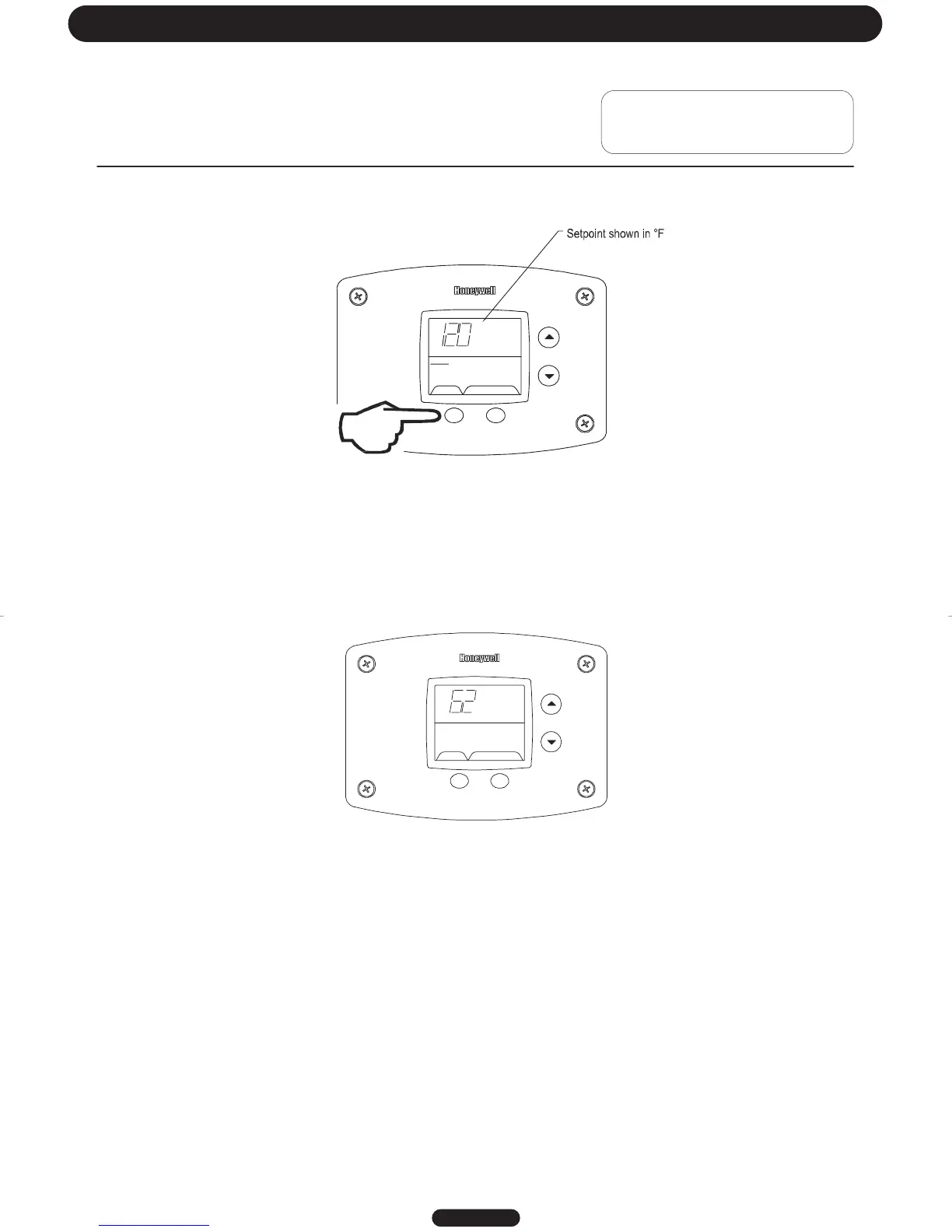
Step 5: Pressing “Select” button will return display to setpoint in format selected (°F or °C) immediately
SELECT SET
Status
°F
idle
Operati on al
Lower Sens or
Error Codes and Error History Display:
If there is an operating problem with the water heater, an error code number will appear on the water heater display with
“Service Needed” to the right of the “Status” indicator. The error code label is located under the water heater display.
The following section in this Service Manual explains the error codes with corrective actions to repair the water heater.
Example of Error Code in the Display
ErrorCodeHistory:
In “Service Mode” pressing the “Select” button after the “Software Version” (item 8 in the previously described sequence
of service modes) will show an error code history, if there have been any previous operating problems with the water
heater. If the display shows --, there is not a current error code.
The Water Heater Display will provide up to 10 previous error codes. The oldest error code will be stored in code index
#1 and the most recent in code i ndex #10.
Page 19
Troubleshooting
SELECT
idle
Service Needed
Lockout R ESET




 To Next Page