39
SIEMENS
SIMATIC OP7
F1 F2 F3 F4
K1 K2 K3 K4
789
456
123
.
0 +/-
SHIFT
INS
DEL
HELP ENTER
ACX
ESC
9.2 SET-UP FOR A TEMPERATURE CYCLE
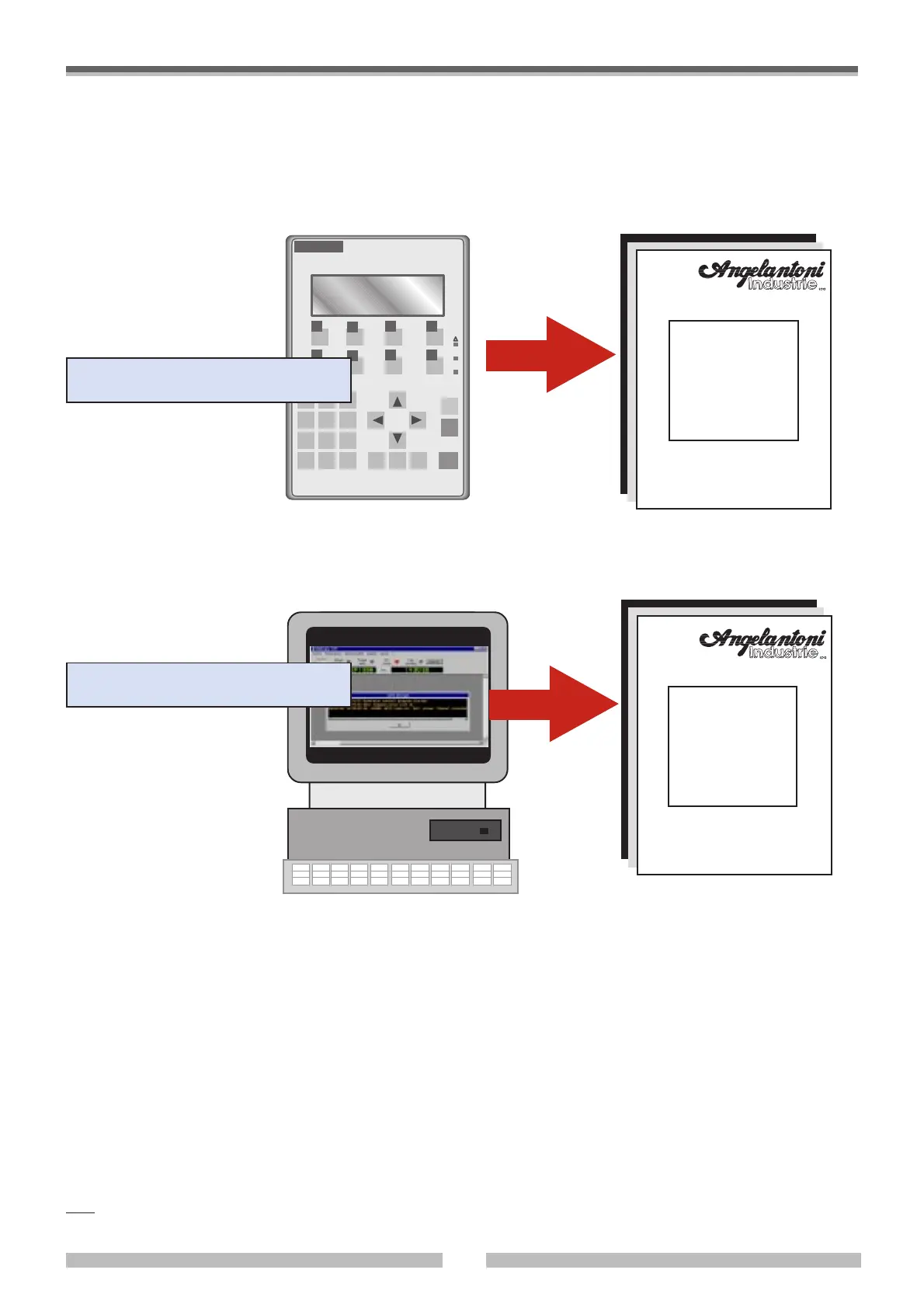
• To set up and carry out a work cycle with the chamber, please refer to the attached instructions according to the control
system with which your chamber is equipped:
OP7 operator panel with built-in software
OP7
instruction
handbook
WINKRATOS
instruction
handbook
CH0305-F11
Personal computer (PC) with
WINKRATOS software
WINDOWS 95 platform with the following specifications:
• Measurement of the pressures of the different parts of the cooling circuit.
• Control of the thermoclimatic variables (by means of µPLC).
• Control of chamber alarm and safety signals.
• Possibility to run auxiliary switches to control external loads
• Possibility to read and file data referring to additional user analogic inputs.
• WINKRATOS
®
supports WINDOWS 95 compatible B/W and colour printers
Control system layout:
For the Personal Computer characteristics please refer to the “WINKRATOS” handbook.
The S/W WINKRATOS
®
package (hereafter referred
to only as WINKRATOS
®
) controls the CHALLENGE
thermostatic and climatic chambers both in MANUAL
MODE and in PROGRAMME MODE.
The WINKRATOS
®
software also runs a complete
thermoclimatic cycle file and a LOG file of all the
operational sessions memorized that need to be
registered.
Note: The manufacturer reserves the right to modify the WINKRATOS
®
software without any obligation to update previous versions and their relevant
instruction handbooks.
AN0698-360



 To Next Page