Need help?
Do you have a question about the Anker 535 and is the answer not in the manual?
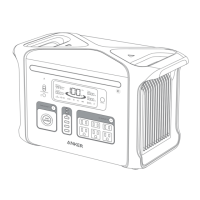
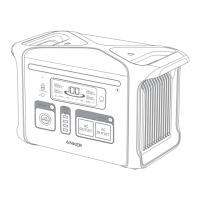
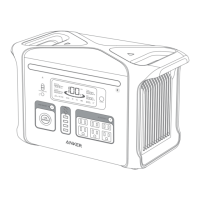
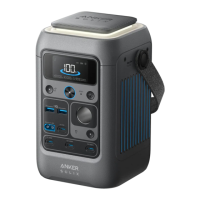
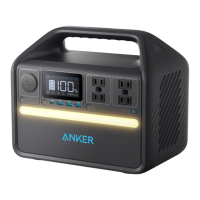
Identifies and labels all external ports, buttons, and display elements of the power station.
Illustrates various methods and power inputs for recharging the portable power station.
Explains how to connect external devices for charging via various ports.
Details the meaning of icons, battery percentage, and power readouts shown on the LCD screen.
Instructions on activating the ambient light and SOS modes using the product's button.
Provides instructions on how to perform a factory reset using the reset hole.
Answers common user queries regarding product features, capabilities, and usage.
Lists essential safety precautions to follow when operating the power station to prevent hazards.
Provides instructions for proper storage conditions and periodic battery maintenance.
Details the product's warranty period and provides contact information for customer and technical support.
 General
| Battery Capacity | 512Wh |
|---|---|
| USB-C Output | 60W |
| DC Output | 12V/10A |
| Battery Type | LiFePO4 |
| Lifespan | 3000 cycles to 80% capacity |
| Warranty | 5 years |
| AC Output | 500W |
| USB-A Output | 12W |
| Weight | 7.6 kg |

 To Next Page