0403
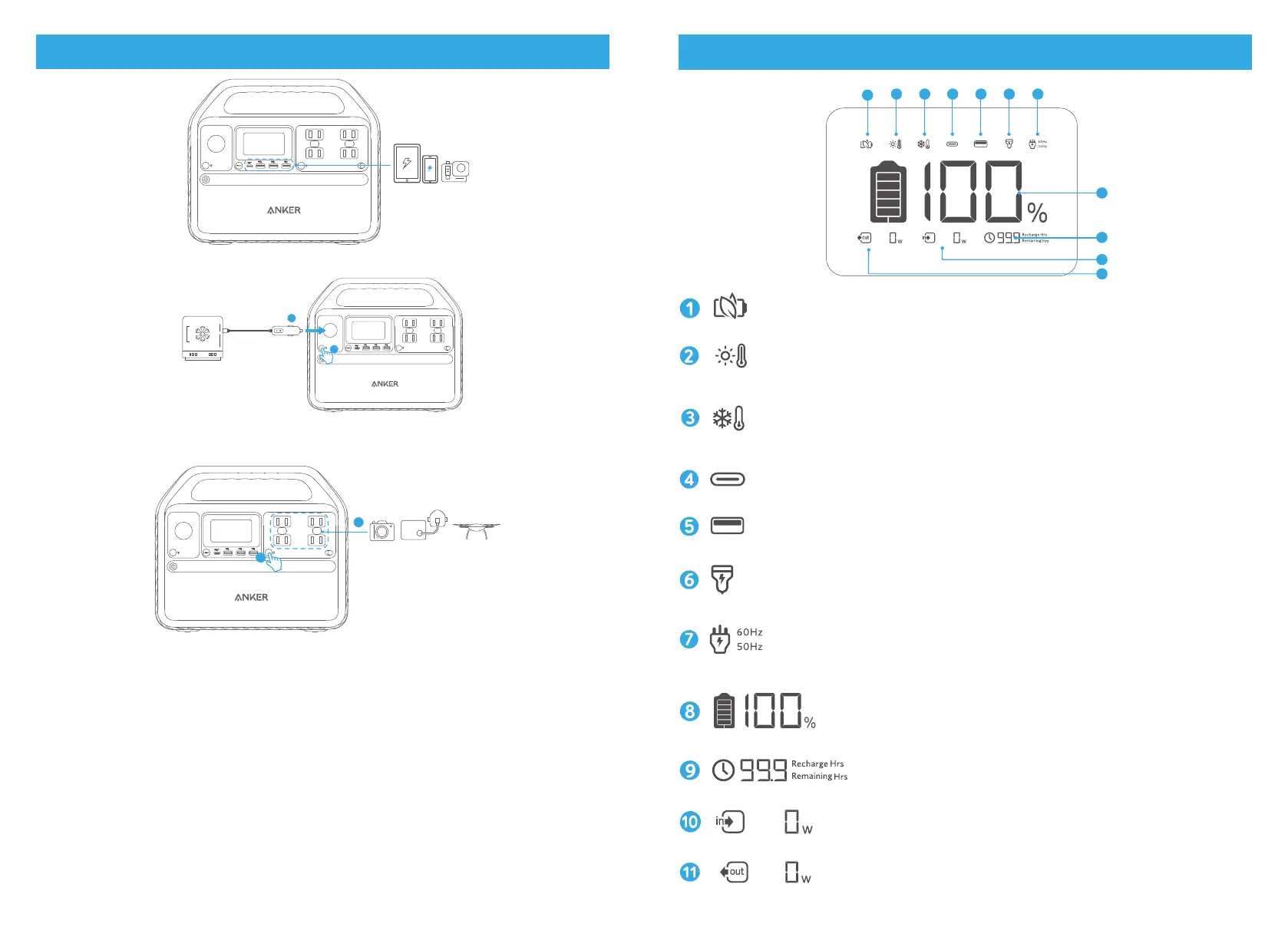
Powering Your Devices
1
2
2
1
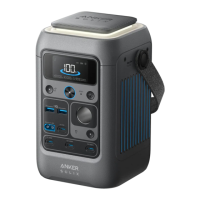
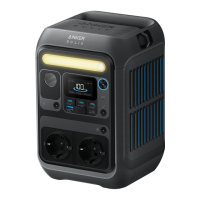
1. The USB-A and USB-C ports support plug and charge. When devices are plugged in, they will start charging
automatically; when devices are unplugged, they will turn off automatically.
2. The car socket and AC output port do not support plug and charge. Use the corresponding on/off buttons to turn
them on before charging.
3. To avoid draining the battery, we recommend keeping Power Saving Mode turned on except when you are
charging low-powered devices like CPAP machines and cameras.
LCD Screen Guide
1
2 3 4 5 6 7
8
9
10
Power Saving Mode
High-Temperature Alert
• When this icon shows, stop using the product and leave it to cool down until the icon disappears.
Low-Temperature Alert
• When this icon shows, stop using the product until the icon disappears.
USB-C Input/Output Port
USB-A Output
Car Charging
AC Charging and Voltage Frequency
Press the AC output port on/off button for 2 seconds to switch the frequency.
Remaining Battery
Remaining Battery in Hours
Current Input Power
Current Output Power


 To Next Page