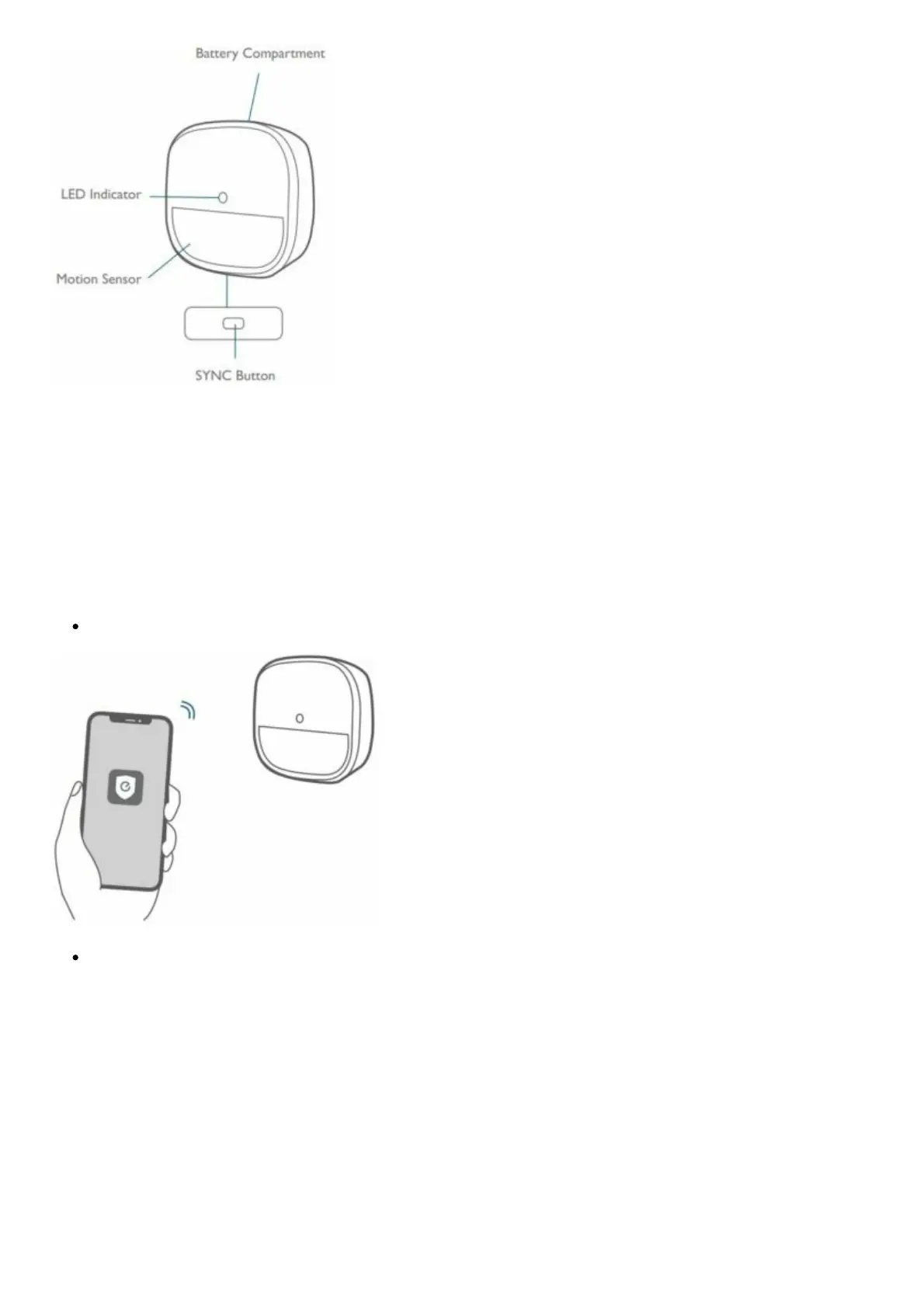
Installing Batteries
Remove the battery compartment lid on the Motion Sensor and insert the provided CR123A battery.
Adding Motion Sensor to Your System
Note: Make sure you’ve completed the setup of your eufy Security Home Base.
Follow the onscreen instructions on the Eufy Security app to add your motion sensor.
Choose Add Device, then select Motion Sensor to add it to your system.
Press and hold the SYNC button for 2 seconds until the LED indicator blinks blue. The Motion
Sensor is waiting to pair.



 To Next Page