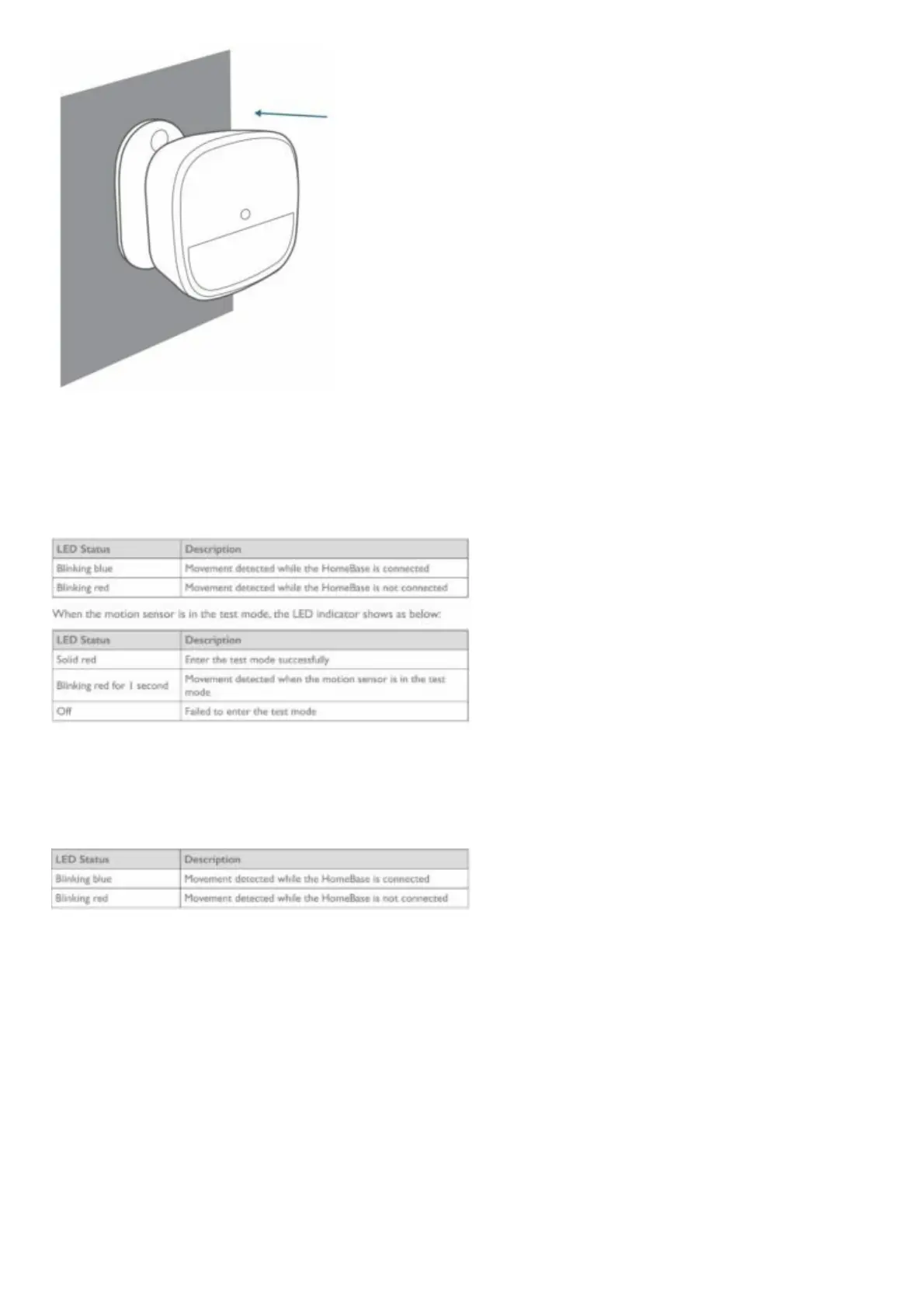
Use the Motion Sensor
After the motion sensor is installed, the alarm will be triggered once movement is detected within the
motion sensor’s coverage area.
When the motion sensor is working, its LED indicator shows as below:
Replace the Battery
When the motion sensor’s battery is low, the LED indicator shows as below. You should replace the
battery to keep the motion sensor working.
SPECIFICATIONS
Battery: 1× CR123A battery
Operating Temperature: -10ºC – 40ºC /14°F – 104°F
Storage Temperature: -20ºC – 60ºC /-4°F – 140°F
NOTICE
FCC Statement
This device complies with Part 15 of the FCC Rules. Operation is subject to the following two
conditions: (1) this device may not cause harmful interference, and (2) this device must accept any
interference received, including interference that may cause undesired operation.
Warning: Changes or modifications not expressly approved by the party responsible for compliance
could void the user’s authority to operate the equipment.



 To Next Page