29 FR
Connexion en cours
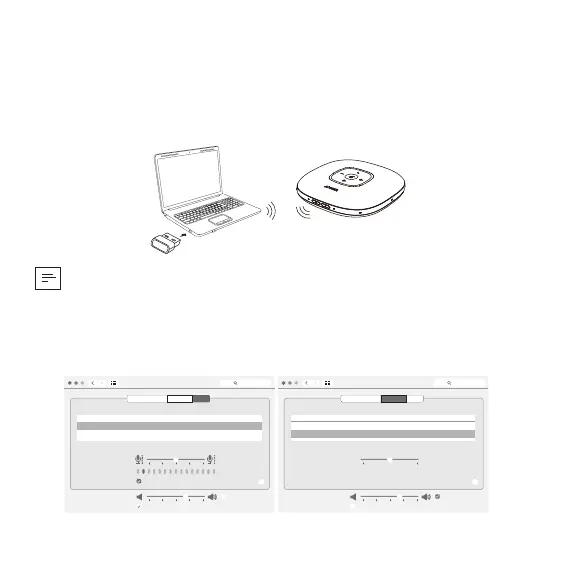
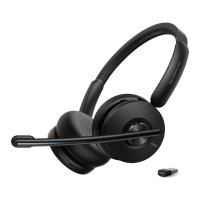
a) Connexion à un PC (adaptateur USB Bluetooth)
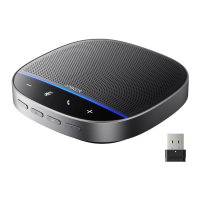
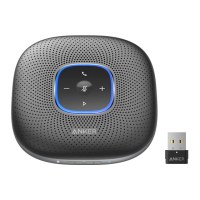
Branchez l'adaptateur USB Bluetooth sur un port USB de votre PC,
PowerConf+ est prêt à l'emploi lorsqu'il est allumé.
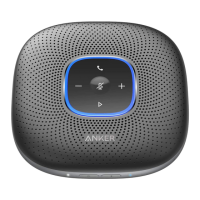
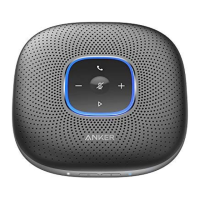
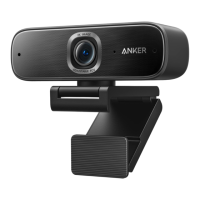
Anker PowerConf
Model:A3301
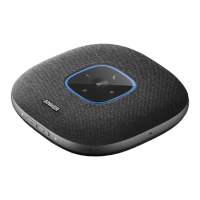
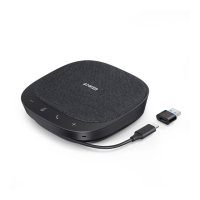
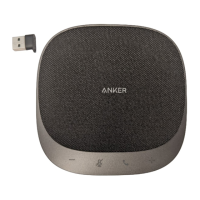
Anker Soundsync A3303
Model:A3303
• 7PRTQDNÄOG!8QWUFGXTG\RGWVÆVTGFÅƂPKTOCPWGNNGOGPV2QYGT%QPHEQOOG
périphérique audio pour votre système PC ou votre logiciel de conférence.
Système macOS
Préférences système > Son > Effets sonores / Sortie / Entrée
Sound
Sound Effects
Settings for the selected device
Input volume:
Output volume: Mute
Input level:
Use ambient noise reduction
Output Input
Show volume in menu bar
Search
Select a device for sound input:
Name
Anker Soundsync A3303
USB
Type
?
Sound
Sound Effects
Settings for the selected device
Balance:
Output volume: Mute
Output Input
Show volume in menu bar
Search
Select a device for sound output:
Name
Anker Soundsync A3303
USB
Internal Speakers
Built-in
Type
?
left right



 To Next Page