EN 06
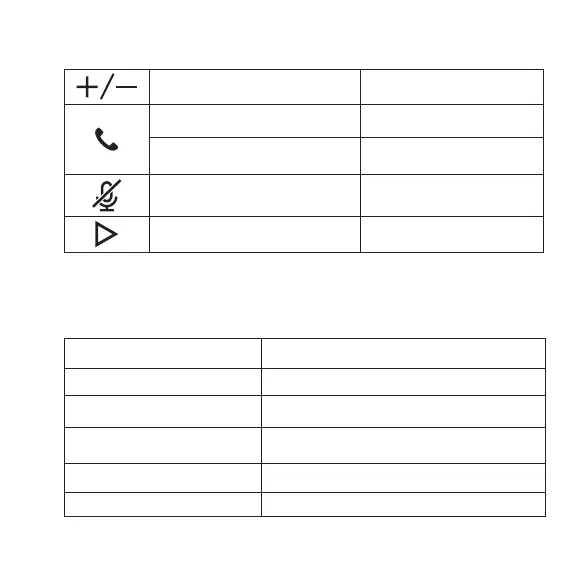
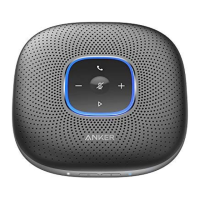
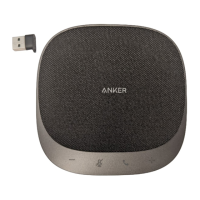
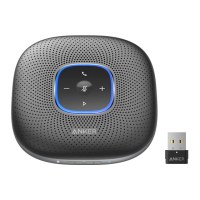
Button Controls
Press or press and hold Volume up/down
Press Answer/End a call
Press and hold for 2 seconds Reject a call
Press
Mute or restore the
microphone
Press Play/Pause music
Status LED
Lights up white for 2 seconds Connected to power or PC
Breathes green Coming call
Partially lights up blue Sound direction detected
Lights up blue clockwise or
counterclockwise
Increase/Decrease volume
Turns red Muted
Lights up green Press Power button to check the battery level




 To Next Page