05 EN
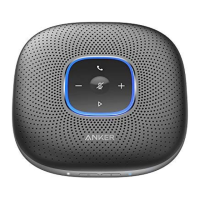
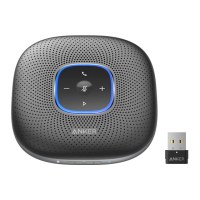
• Each time you power on PowerConf+, it will automatically connect with
the last successfully connected device if available.
• To disconnect Bluetooth, press the Bluetoth button again.
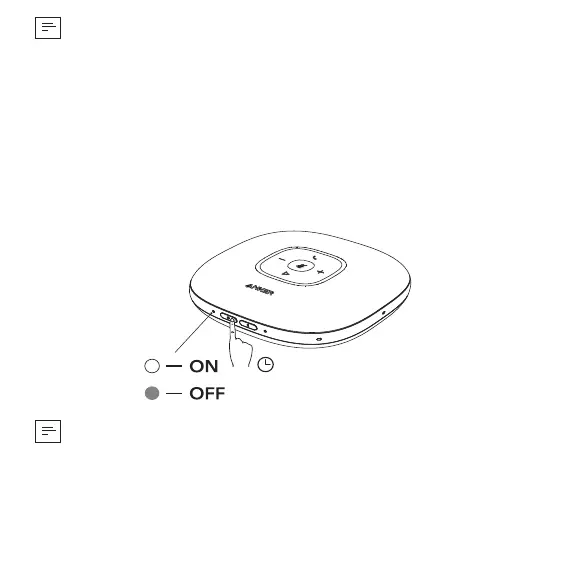
Powering On/Off
Press and hold the power button for 2 seconds to power on. The status LED
will light on clockwise and then fade out.
To power off, press and hold the power button for 2 seconds.
2”
• PowerConf+ will automatically power on once connected to your PC by
using the USB-C cable.
• PowerConf+ will automatically power off after 30 minutes of inactivity or
no source.




 To Next Page