EN 04
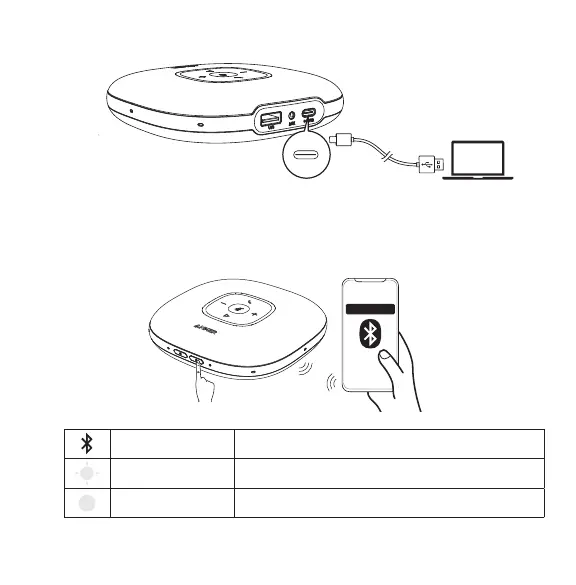
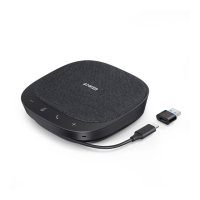
b) Connect to PC (USB-C cable)
C) Connect to smartphone (Bluetooth pairing)
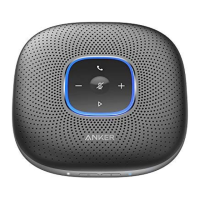
When powered on, PowerConf+ will automatically enter the Bluetooth pairing mode.
Select “Anker PowerConf” on your smartphone’s Bluetooth list to connect.
Anker PowerConf
1SFTT &OUFSQBJSJOHNPEF
Flashes blue Bluetooth pairing
Steady blue Bluetooth connected



 To Next Page