IT 38
Connessione in corso
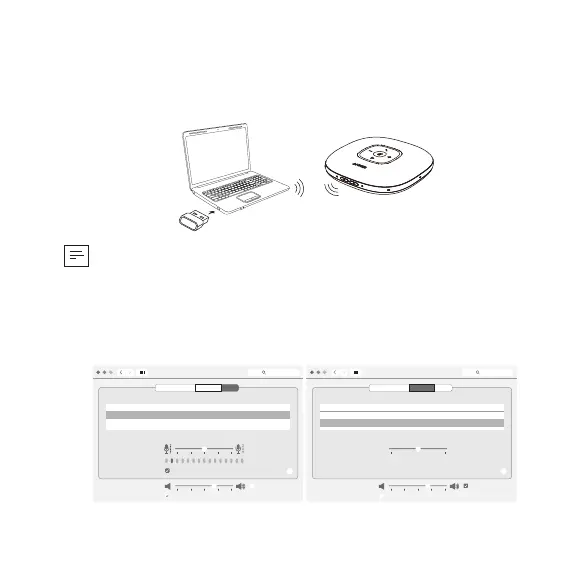
a) Collegamento al PC (adattatore USB Bluetooth)
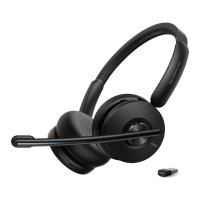
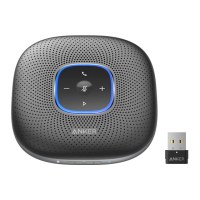
Collegare l’adattatore USB Bluetooth a una porta USB del PC e PowerConf+
sarà quindi pronto per l’uso quando acceso.
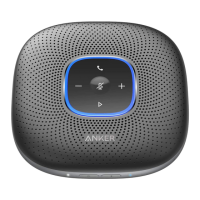
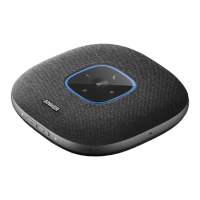
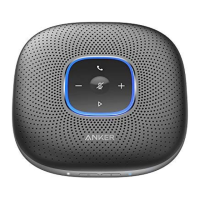
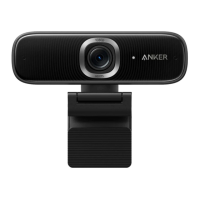
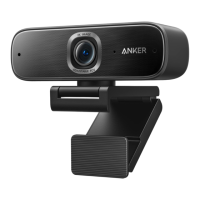
Anker PowerConf
Model:A3301
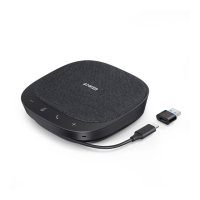
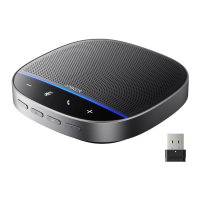
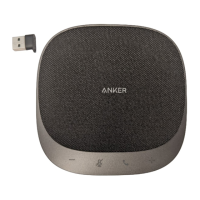
Anker Soundsync A3303
Model:A3303
• Ci sono problemi? Potrebbe essere necessario impostare manualmente
PowerConf+ come dispositivo audio per il sistema PC o come software
per la gestione delle conferenze.
Sistema macOS
Preferenze di sistema> Audio > Effetti Audio/Uscita/Ingresso
Sound
Sound Effects
Settings for the selected device
Input volume:
Output volume: Mute
Input level:
Use ambient noise reduction
Output Input
Show volume in menu bar
Search
Select a device for sound input:
Name
Anker Soundsync A3303
USB
Type
?
Sound
Sound Effects
Settings for the selected device
Balance:
Output volume: Mute
Output Input
Show volume in menu bar
Search
Select a device for sound output:
Name
Anker Soundsync A3303
USB
Internal Speakers
Built-in
Type
?
left right



 To Next Page