PT-BR 56
Conectando
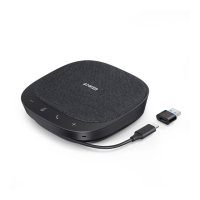
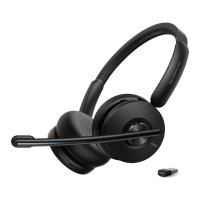
a) Conecte ao computador (adaptador USB Bluetooth)
Conecte o adaptador USB Bluetooth em uma porta USB no seu computador;
o PowerConf+ está pronto para uso quando alimentado.
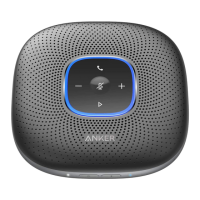
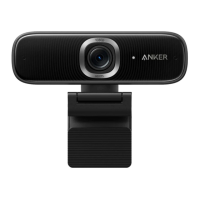
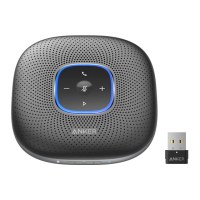
Anker PowerConf
Model:A3301
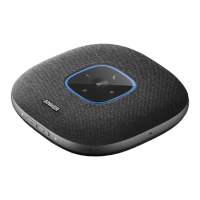
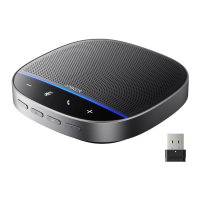
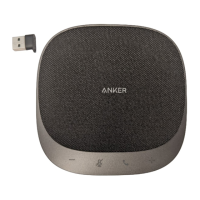
Anker Soundsync A3303
Model:A3303
• #NIWORTQDNGOC!8QEÆRQFGRTGEKUCTFGƂPKTOCPWCNOGPVGQ2QYGT%QPH
como o dispositivo de áudio para seu sistema de computador ou software
de conferência.
Sistema macOS
Preferências de sistema > Som > Efeitos sonoros/saída/entrada
Sound
Sound Effects
Settings for the selected device
Input volume:
Output volume: Mute
Input level:
Use ambient noise reduction
Output Input
Show volume in menu bar
Search
Select a device for sound input:
Name
Anker Soundsync A3303
USB
Type
?
Sound
Sound Effects
Settings for the selected device
Balance:
Output volume: Mute
Output Input
Show volume in menu bar
Search
Select a device for sound output:
Name
Anker Soundsync A3303
USB
Internal Speakers
Built-in
Type
?
left right



 To Next Page