04 |
Box Contents
1x clock radio wireless charger, 1x 5V𝌂3.5A AC/DC power adaptor
(CW0503500AU)
Getting to know your alarm clock
Before you get started please read the safety information on pages 2-3.
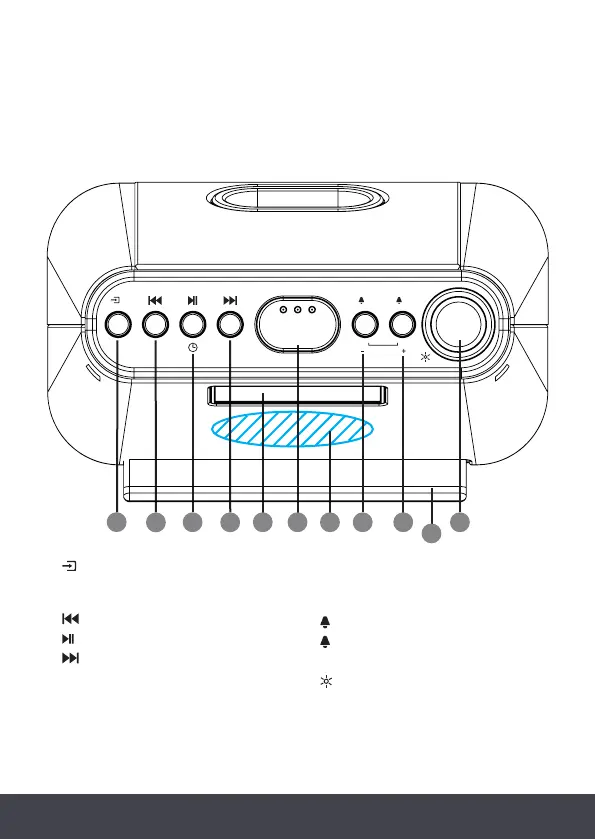
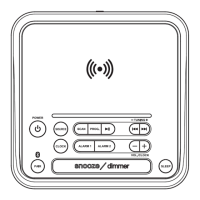
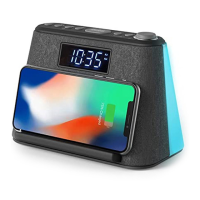
Top - Control Panel
1. Mode FM/BT/Sounds - short press
to change mode, long press to enter
standby mode
2. Previous track
3. Play/Pause
4. Next track
5. LCD Display
6. Snooze - short press (when alarm
is sounding)
6. Sleep mode - long press to enter -
short press to set sleep time
6. Dimmer - short press to adjust
brightness
7. Wireless charging area
8. 1 Alarm 1/Volume -
9. 2 Alarm 1/Volume +
10. Phone stand
11. Nightlight On/Change colour -
short press, Nightlight Off -
long press
1
2
3
4
5 6 7
VOLUME
SNOOZE
SLEEP/DIMMER
1 2
8 9 11
10


 To Next Page