pg. 32 Rev 05/12/21
Replace the Fuses (as needed)
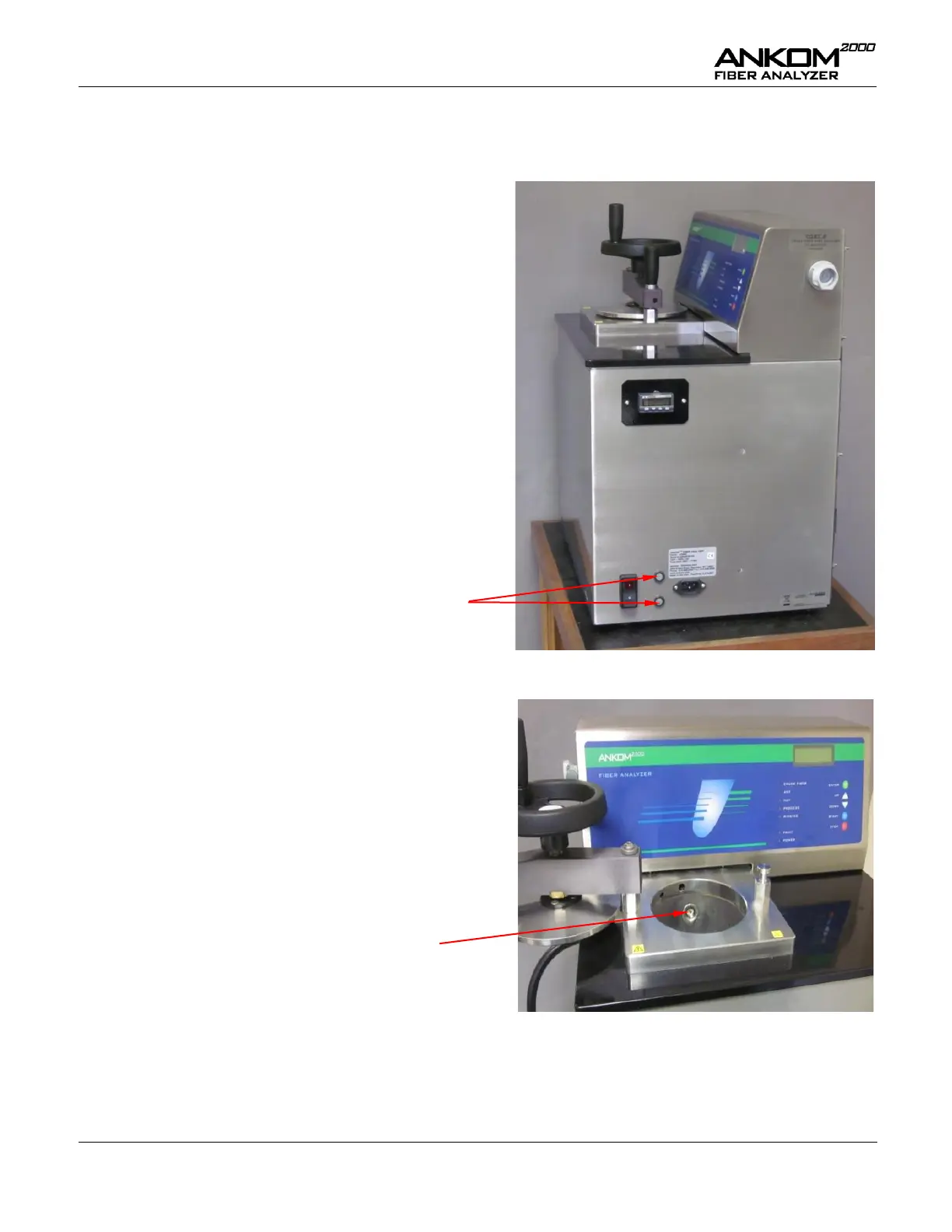
To replace the fuses in the ANKOM
2000
Fiber Analyzer, follow the procedure detailed below.
Turn off the instrument power and unplug the
Power Cord from the outlet.
Using a flat blade screwdriver, twist the slot on
the fuse holders counterclockwise ¼ turn to
open.
Pull the fuse from the grey fuse cap and
replace as needed.
(120V – 15 amp / 220V – 10 amp)
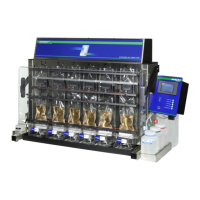
Clean the Fiber Optic Level Sensor
Using a cotton swab with alcohol, wipe the tip of the
level sensor at least once per month if you use the
instrument daily.


 To Next Page