Configuration
This chapter contains information about the basic configuration.
Main Power Adapter
The Network Master can be powered from the supplied AC mains adapter.
Always use AC mains adapter delivered from Anritsu. Anritsu Part No. G0309A.
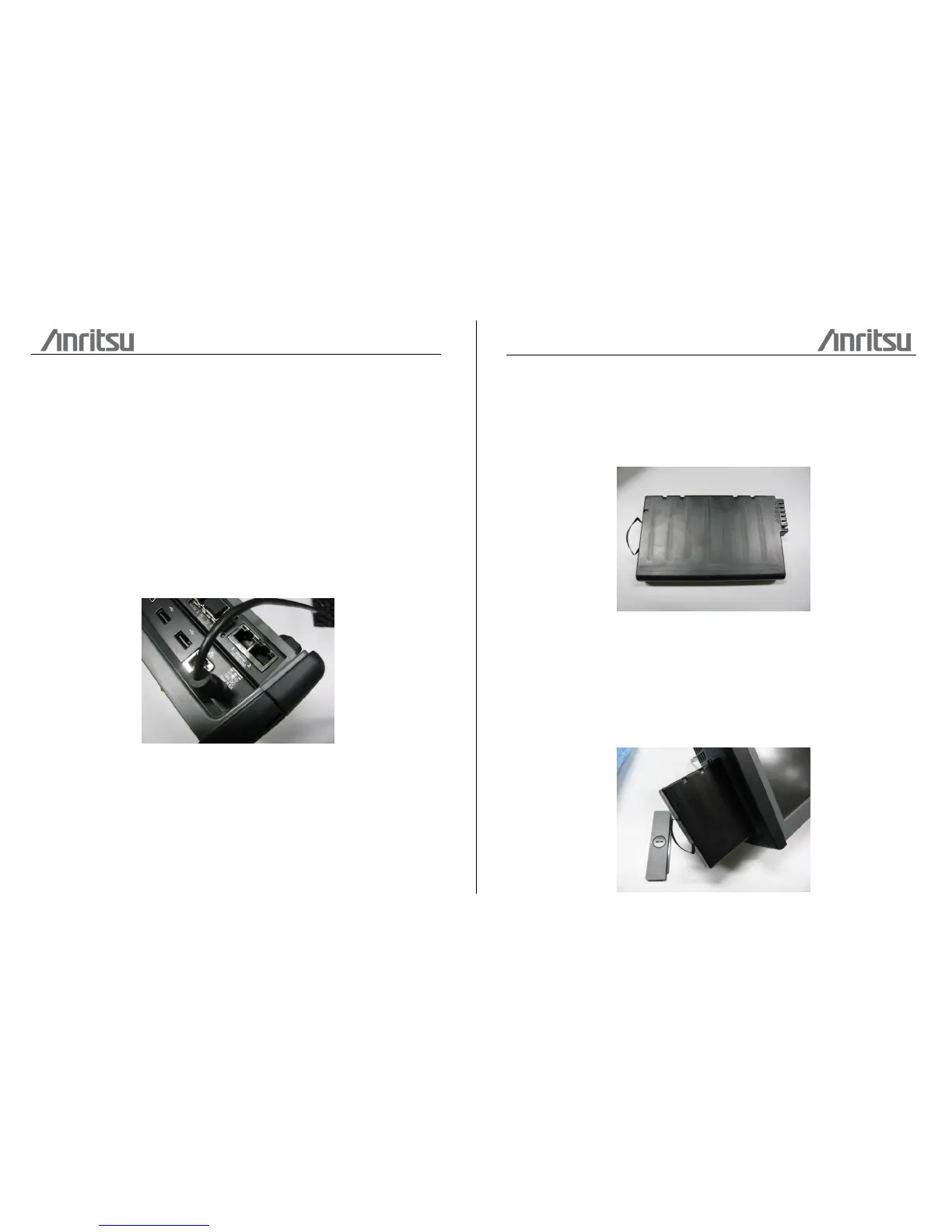
To connect the mains power adapter to the Network Master, follow the procedure
below:
1. Insert the mains adapter's DC power plug into the socket connector marked
'18V DC'. The DC input connector is located on the right-hand side of Network
Master's connector panel.
2. Connect the AC plug of the mains adapter to the mains and switch on the
mains wall outlet.
Rechargeable Battery
The Network Master is delivered with a 10.8 V Intelligent Li-Ion rechargeable and
replaceable battery.
Use only original batteries delivered from Anritsu, to prevent the risk of
instrument damage or personal injury. Battery should only be charged at room
temperature.
To install or replace the battery in the Network Master, follow the procedure below:
1. Place the instrument on its front on a plain surface and unscrew the battery
compartment lock on the side of the instrument.
2. To release the battery compartment door - press down on the notch while
dragging it outwards.
3. Pull out the battery from the compartment, using the strap fixed to it.
4. When installing the battery, note the direction of the battery terminals. With the
instrument placed on its front - and the battery compartment in front of you - the
terminals should be in the upper left corner.
5. Re-install the battery compartment door and tighten the lock screw.














 To Next Page