Cables
Cables are connected to the input and output connectors located on the connector
panel of the instrument. When connecting the Network Master to the line, it is
recommended always to use shielded cables of good quality.
Support Stand
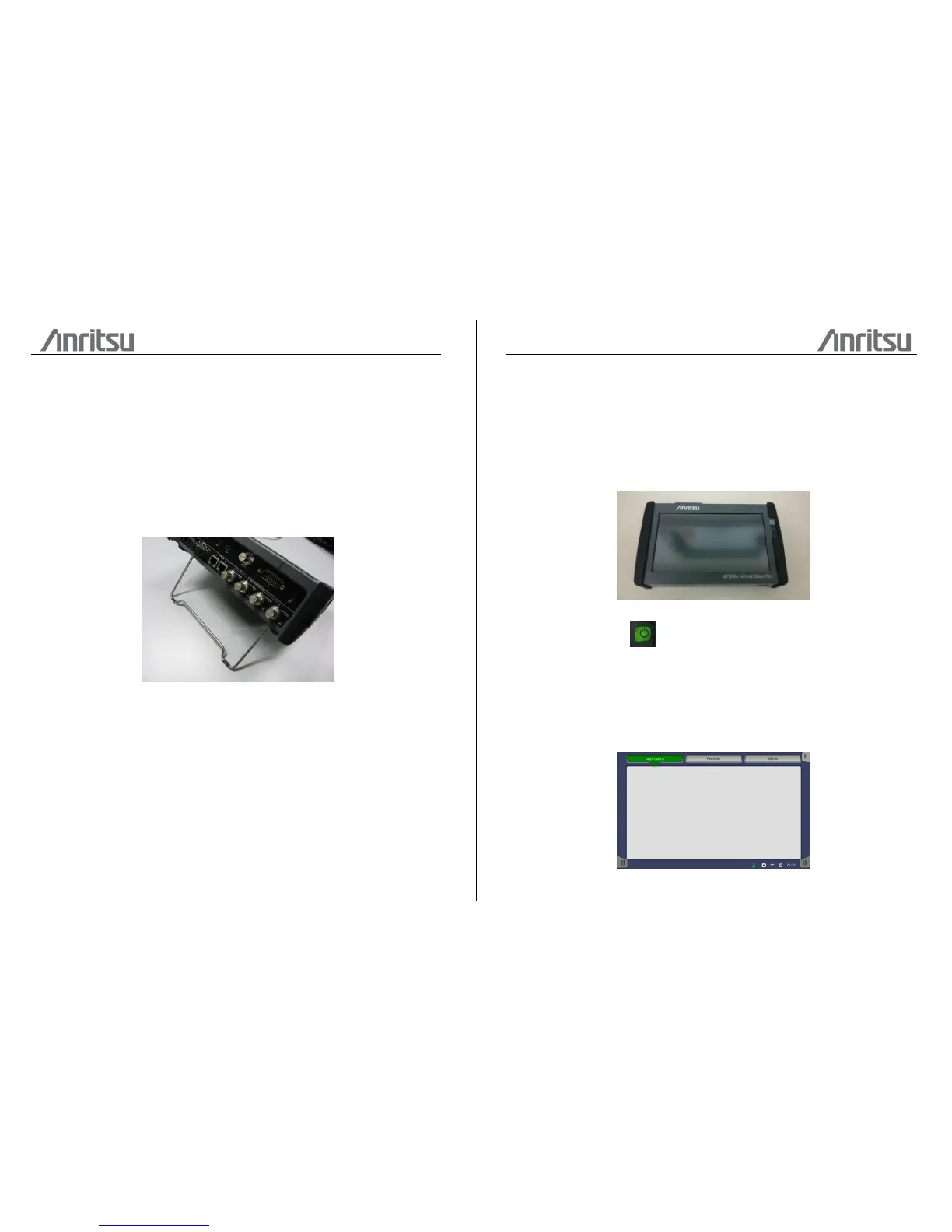
The Network Master is equipped with a support stand keeping the instrument at a
convenient angle during the operation. To extract the stand: pull out the metal bar
underneath the instrument - it automatically stays in the correct position.
Carrying Strap
The included carrying strap can easily be mounted for your convenience when
transporting and/or using the Network Master.
The carrying strap is equipped with self-closing hooks for easy installation. Pull back
the spring part to open the hook, and place it around the lock pin on the instrument.
Man-Machine-Interface
Touch Screen Display
The 9 inch active TFT display with WVGA resolution (800x480 pixels) is used for setups
and for presentation of results. As the display includes touch screen functionality, it is
possible to navigate and operate directly from it.
Power Button
The only physical operator key is the Power button. The Power button on the front
panel of the instrument is used to switch power ON and OFF. In addition, the menu
used for power-off also contains a few extra options (e.g. to lock the screen).
Switching power ON
When you press the Power button to switch on power, the TFT display presents
you with a startup screen where you can select the application you want to use.














 To Next Page