Switching power OFF
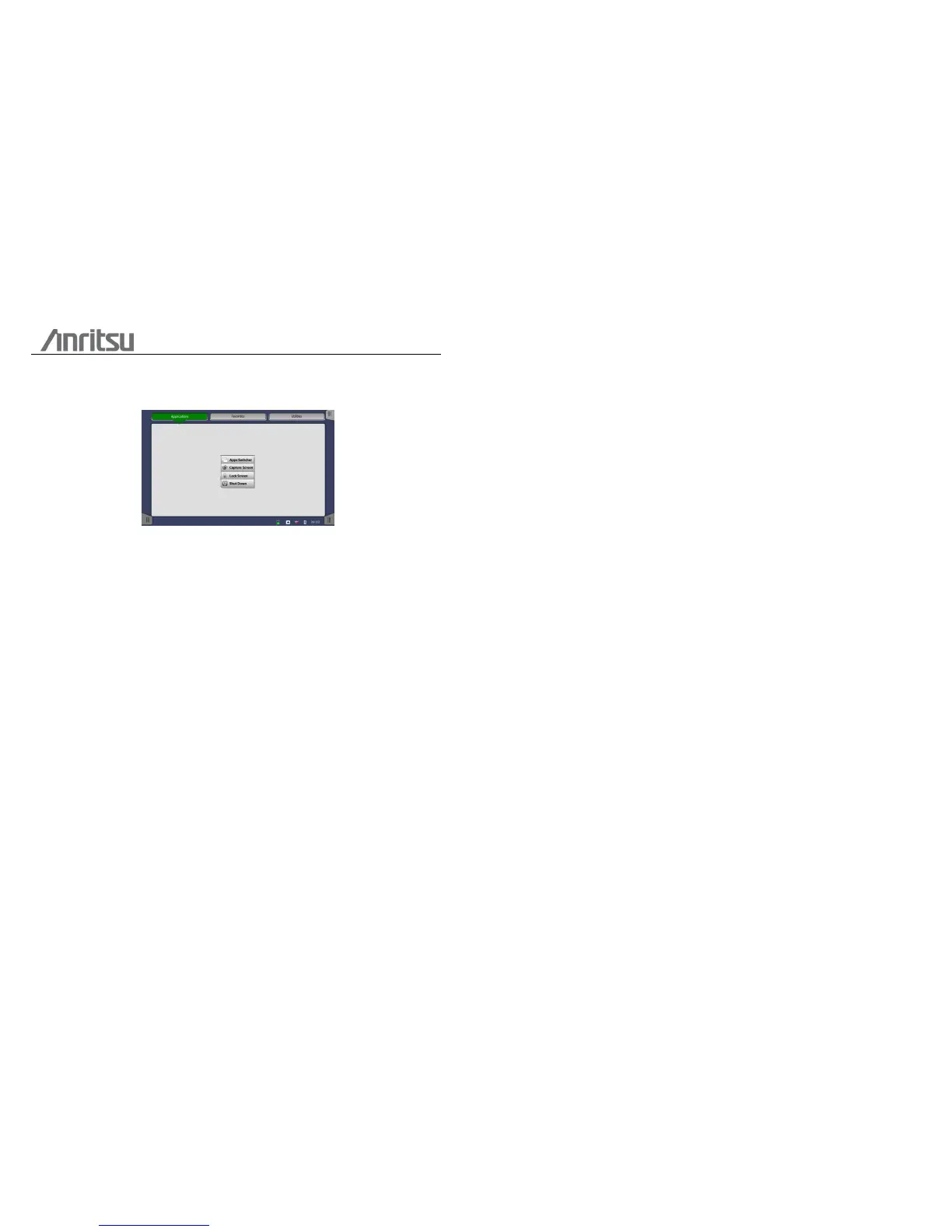
When you press the Power button to switch off power, a pop-up menu is displayed,
containing the menu item Shut Down.
Select the Shut Down menu item and then confirm by selecting OK in the "Are you
sure?" dialog displayed afterwards.
Forcing power OFF
If, for some reason, you need to force a power-off, you can do so by removing the
AC power cable and pressing the Power button and holding it down until the
power switches off.
Additional options in power-off menu
Apps Switcher
Shows all currently activated applications and allow you to switch.
Capture Screen
Can be used to save an image in .PNG format of the currently displayed screen.
The image file will be saved on an attached USB memory stick.
Lock Screen
Locks the screen.














 To Next Page