Press
the AUTO key. The indication shown below
will
be
displayed and the auto sea
-
clutter suppression mode
will
be
set.
At
the
same
time,
the
auto gain control mode
will
be
set.
to
"
AT
2
"
and the auto sea
-
clutter suppression
will
enhance the
effect.
Press
the
AUTO
key again. The indication
will
change
AT
1
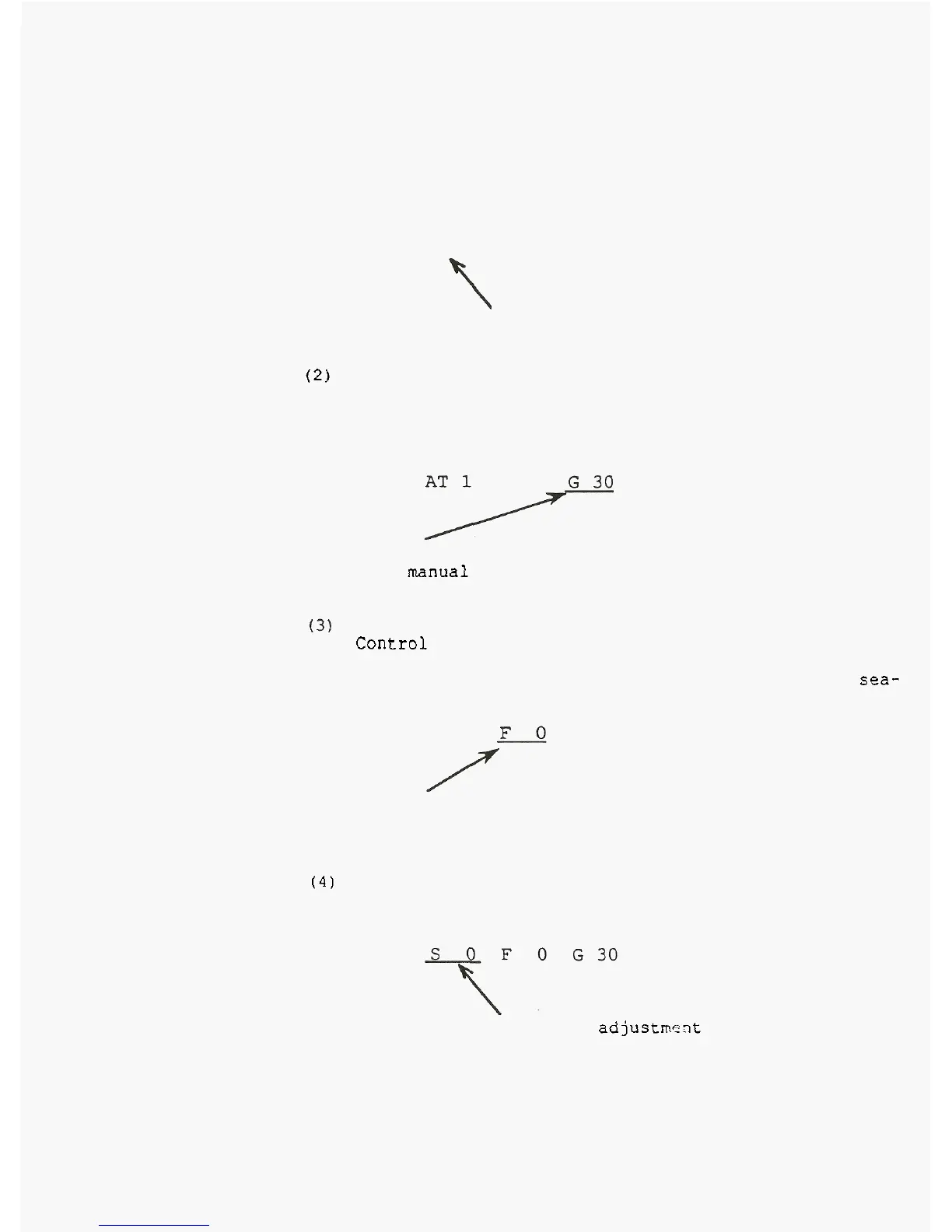
Indicates the auto STC and
auto gain mode
is
selected.
(2)
Automatic Sea Clutter Suppression and Manual Gain
Control
Press
the
GAIN
key
to
return
to
manual gain control
mode.
The
indication shown below
will
be
displayed and
the
auto sea
-
clutter suppression mode
will
remain.
Indicates
the auto STC and
manual
gain
control mode
is
selected.
(3)
Automatic Sea Clutter Suppression, Manual Gain
Control
and FTC
Control
Press the FTC key to add
the
FTC
control mode.
The
indication shown below
will
be displayed and
the
auto sea-
clutter suppression mode
will
remain.
AT
1
G
30
Indicates
the
auto
STC,
manual gain and FTC control
mode
is
selected.
(4)
Manual control
mode. The indication shown below
will
be displayed.
Press
the
STC key to
return
to the manual control
Indicates
the
STC adjustmeit
mode
is
selected.



 To Next Page