Press
the range up/down key as many
times
as
required
to
underline any desired setup mode number.
Then, press the brightness
control
key. The selected
setup mode
is
set.
2.16.2
Return
to
the Radar Mode
Press
the operate key. The radar picture emerges.
2.16.3
Description of Each Setup Mode
(1)
SYSTEM
CHECK
at
various
sections
are
appropriate.
If
they
are
normal,
"
OK
"
is
displayed
as
shown below. Otherwise,
"
NG
"
is
displayed.
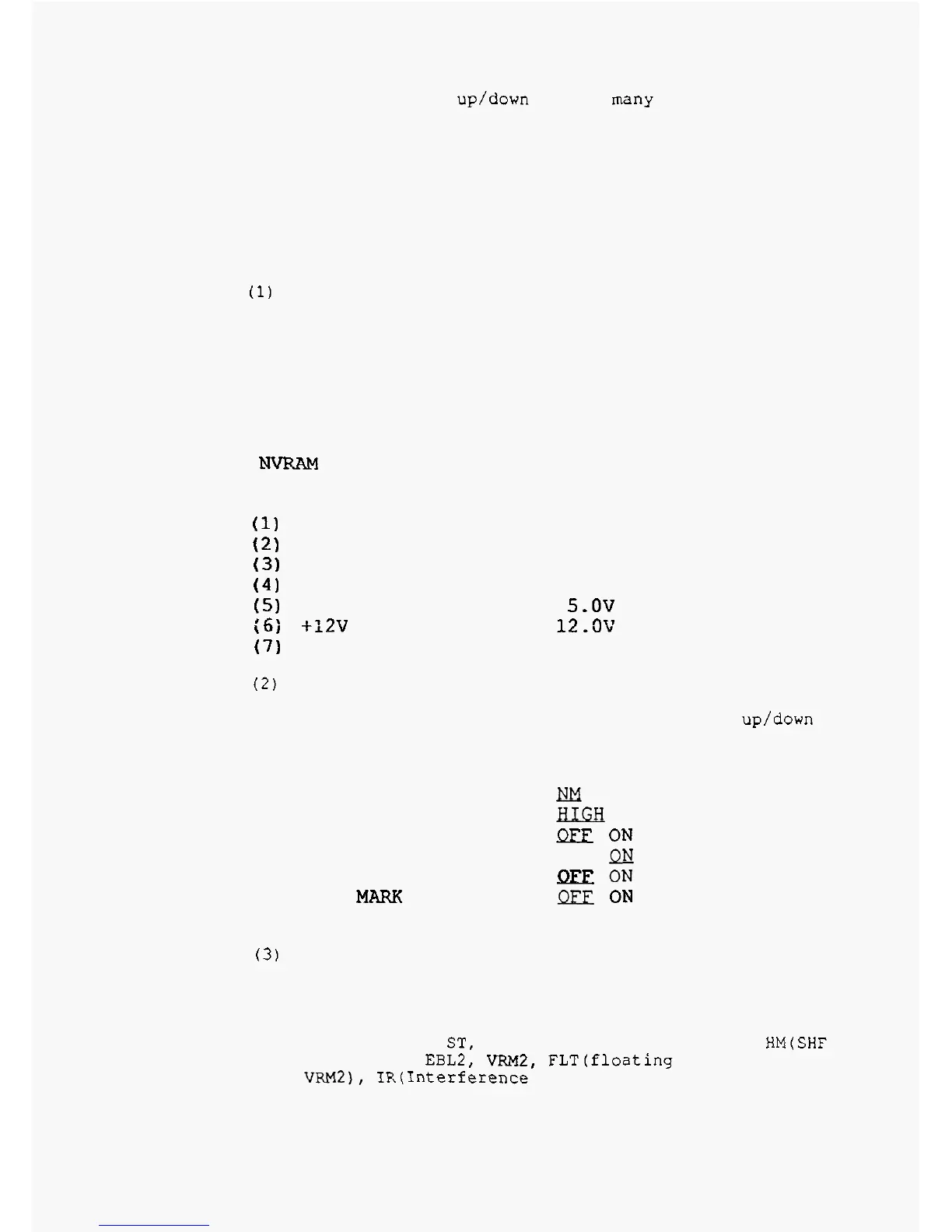
MEMORY CHECK
This
mode
is
for checking whether voltage and signals
ROM
019111
OK
RAM
OK
NW
OK
SIGNAL CHECK
(1)
TRIGGER
(2) SHF
(3)
AZIMUTH
(4)
VIDEO
(5) +5v
(6;
+:2v
(7)
H.T.
OK
OK
OK
OK
OK
5.0V
OK 12.3V
OK
300
V
(2)
DISPLAY
PRESET
functions. Select
a
desired
item
with the range up/down
keys
and adjust with the control knob. See Figure below.
This mode initializes the settings of the various
DISPLAY PRESET
A.
VRM UNIT
B.
BUZZER VOLUME
C. PICTURE HOLD
D. SHF FLASH
E.
PARALLEL CURSOR
F. NORTH
MARK
G STC CURVE (NORM
3)
KM
SM
fLLGtr
LOW
OFF
QEE
ON
OFF
Qlj
llEE
ON
llEEl
ON
3
(3)
KEY
ASSIGNMENT
the users to select desired functions.
Eight functions among the functions below can be preset.
TRACK,
OFF
-
C,
ST,
GZ,
RINGS,
GAIN,
STC, FTC,
HM(SHF
OFF),
MODE,
EBL2,
VRM2,
FLT(f1oatinq for
EBL2
and
VF.M2),
IR(1nterference
Rejection)
The
panel keys on the left
-
hand can be changed
for
2
-
10



 To Next Page