2.4
Rain
and
SnoxClutter Suppression (FTC)
(i)
Press
the FTC key. The indication shown below
will
be
displayed and the rain and snowclutter suppression
mode
(FTC)
will
be
set.
Indicates the FTC mode
is
selected.
(ii)
Turn the control knob
to
adjust the level range from
0
to
50.
Clutter from rain, snow
or
fog
may appear on a radar
In
such
a
case,
turn the control knob at the FTC mode
picture and sometimes
mask
targets completely invisible.
clockwise. Then the contours
of
concealed targets
will
appear. Since the radar uses
a
LOG
amplifier, the FTC
function
is
very effective. But
it
tends to weaken the
intensities
of
echoes from short
-
range targets. Adjust
STC
and gain for the best picture.
counterclockwise to level
0
when there
is
no rain
or
snow.
In this state the FTC function
is
ineffective.
Always turn the control knob at the
FTC
mode
fully
2.5
Measuring
Target
Bearings
(EBL)
Press
the
EBL
key to
select
the electronic cursor and
the indication
below
will
be displayed on the bottom of
the screen. Turn the control knob to move the
EBL
to
coincide with the target to measure the bearing from your
ship's heading.
Press
the
EBL
key once again to erase
the
EBL.
(To erase the
EBL,
the
EBL
function must be selected
at the moment.
)
EBL
0.0'
2.6
Measuring Target Ranges
2.6.1
Rough Range Estimation (Range Rings)
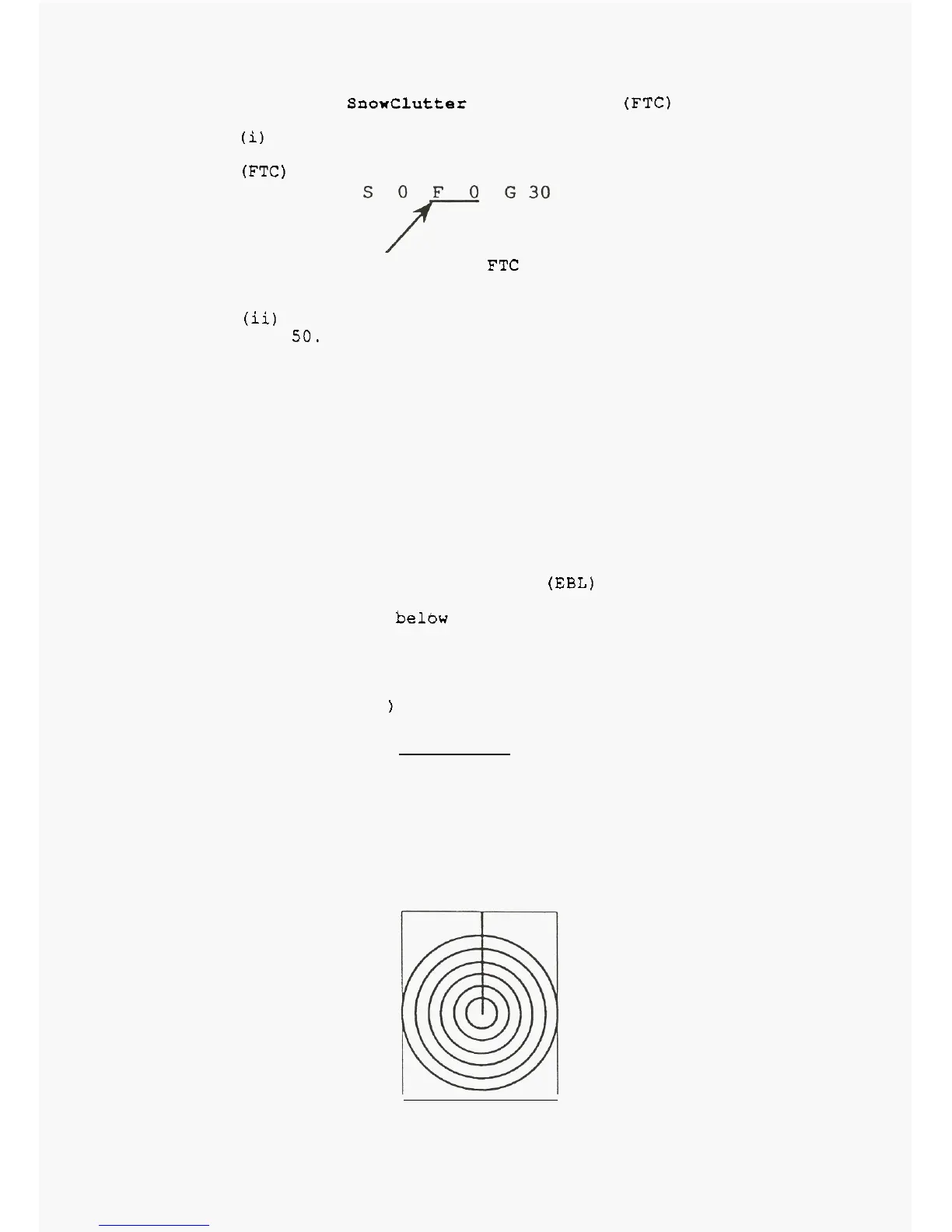
Press the range ring key. Fixed range marker rings
will
be displayed
as
shown below. The interval of range
marker rings depends on the range as tabulated below:
1.5
0.25



 To Next Page