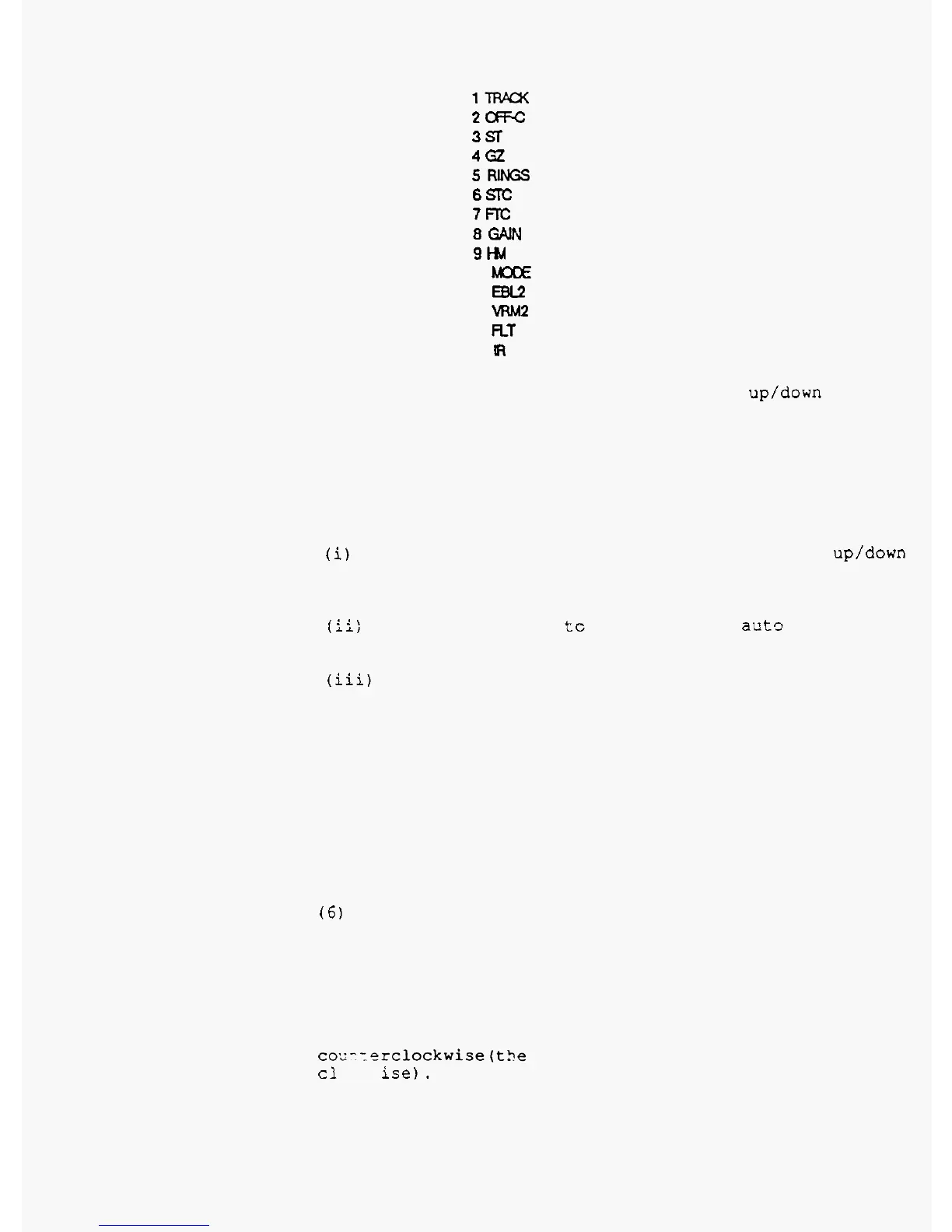
1W
2cRc
3s
4Gz
5RuIX;s
6STC
7m
8
WN
9M1
10
M3DE
11
EBL2
12
vRM2
13
RT
14
m
Select the key position by the range up/down key, and
set
the function number to the key by the control knob.
Replace the
KEY
-
CAP
with the new function's one.
(4)
AUTO
TUNE
CALIBRATION
12
NM.
This mode
is
used
to
adjust the auto
-
tuning
system
for the
maximum visibility
of
the target echoes.
(i)
Set the
mode
to
"
2
CALIBRATION
"
by the range up/down
key, and
turn
the control knob to get maximum picture
visibility.
In
this condition, the tuning system
is
in
manual mode.
,
(ii:
Then
set
the mode
tc
"
1
AUTO
"
,
and act? tune system
calibration
will
be
carried
out. The calibration
will
take
several
minutes.
(iii)
When the calibration
is
finished, the
"
CALIBRATION
COMPLETED
"
is
displayed on the
screen.
The auto
-
tunig
calibration voltage
is
displayed at
"
CONTROL
"
area.
(5)
TIMING
ADJUSTMENT
to target.
the radar, and enter this setup mode to adjust the timing.
Then
turn the control knob to decrease the diameter of the
inner
ring
of
the bright sunspot until the diameter
becomes
nil
and coincides with the sunspot center.
(6)
HEAD
DIRECTION ADJUSTMENT
This mode eliminates the angular difference between
the heading direction
of
the scanner installed on the ship
and that of the displayed picture. When the control knob
is
turned clockwise, the heading marker on the picture
moves
clockwise
(the picture
on
the
screen
turns
counterclockwise); turning the control knob counter
-
clockwise makes the heading marker move
co.--:erclockwise(t3e picture
on
the screen
turns
cl
ise). Each movement
is
in
0.1
degree steps.
Before enter the Setup mode, set the range scale to
This mode
is
used to adjust the timing
for
distance
Set the detection range to
0.125
or
0.25
NM,
operate
2
-
11



 To Next Page