Instrument Overview 2-4 Interface Screen
Site Master User Guide PN: 10580-00252 Rev. K 2-7
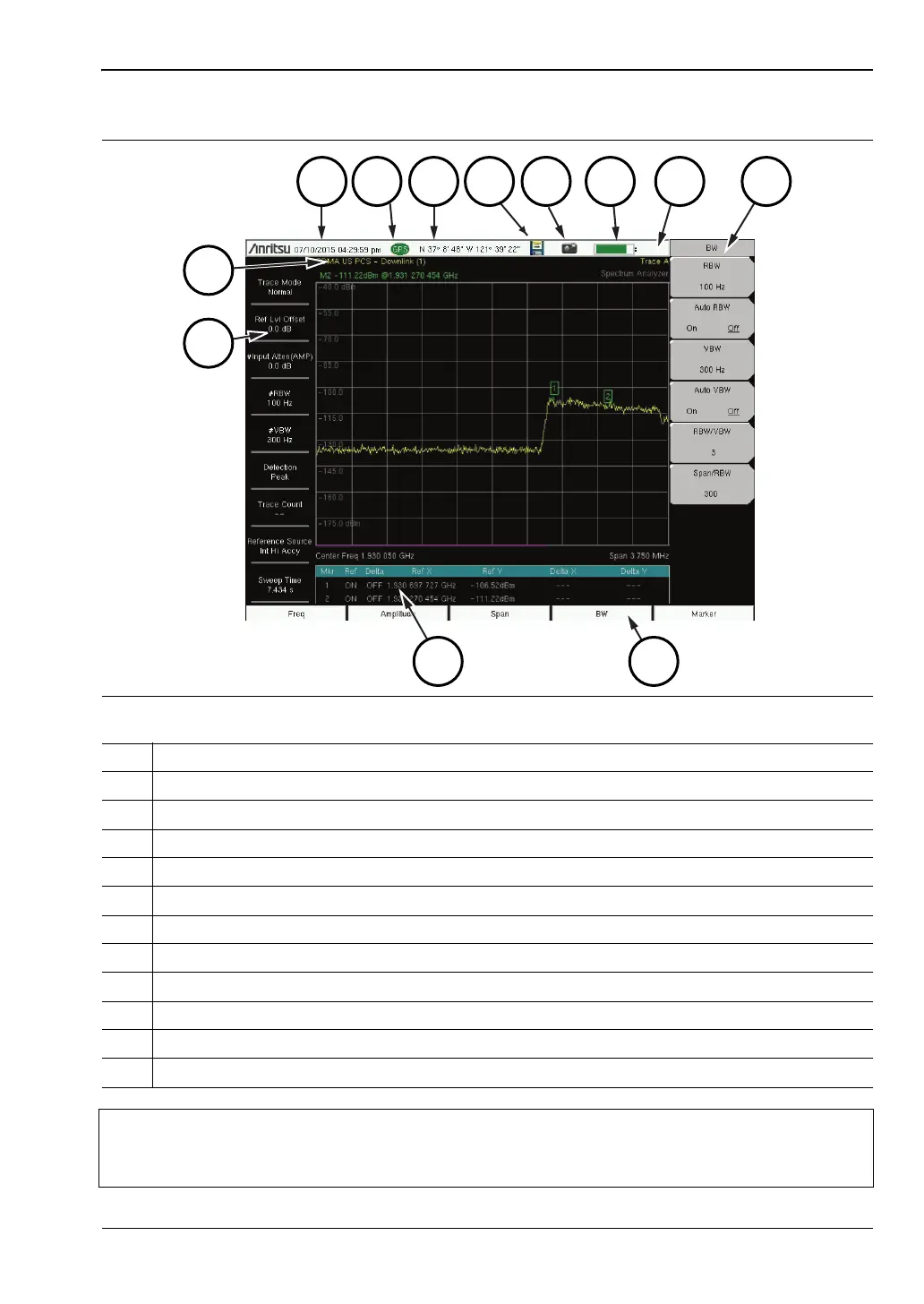
Figure 2-7. Spectrum Analyzer Display (S332E and S362E only)
1. Measurement Settings Summary (Touch Screen Shortcuts)
2. Frequency Standard
3. Date and Time
4. GPS Icon
5. GPS Location
6. Save Icon
7. Save Screen Icon
8. Battery Charge Indicator
9. Trace Measurement Title
10. Submenu Touch Screen Keys
11. Main Menu Touch Screen Keys
12. Marker Table
Note
Many of the measurement settings displayed to the left and the top of the sweep
window are actually touch screen shortcuts that you can press to bring up the
corresponding menu.












 To Next Page