2-4 Interface Screen Instrument Overview
2-12 PN: 10580-00252 Rev. K Site Master User Guide
To save a measurement in arrow navigation mode, press Shift then File (7). Use the arrow
keys to move the red selection box to the Save Measurement As submenu key. This submenu
key must be used because the arrow navigation mode cannot be used to change data in popup
windows in the measurement display. File names are determined by the current setting of the
Save Measurement As submenu key. Refer to “Save Measurement As” on page 4-10.
You can save a JPEG image of the current display screen by pressing Shift, followed by
Decimal, then +/–. The JEPG image shows screen data, but does not contain the additional
measurement information that accompanies a saved measurement in a *.spa measurement
file.
To return to normal touch entry mode, reboot the instrument (turn power Off, then On). If
your touch screen has been damaged, refer to “Contacting Anritsu for Sales and Service”
on page 1-2.
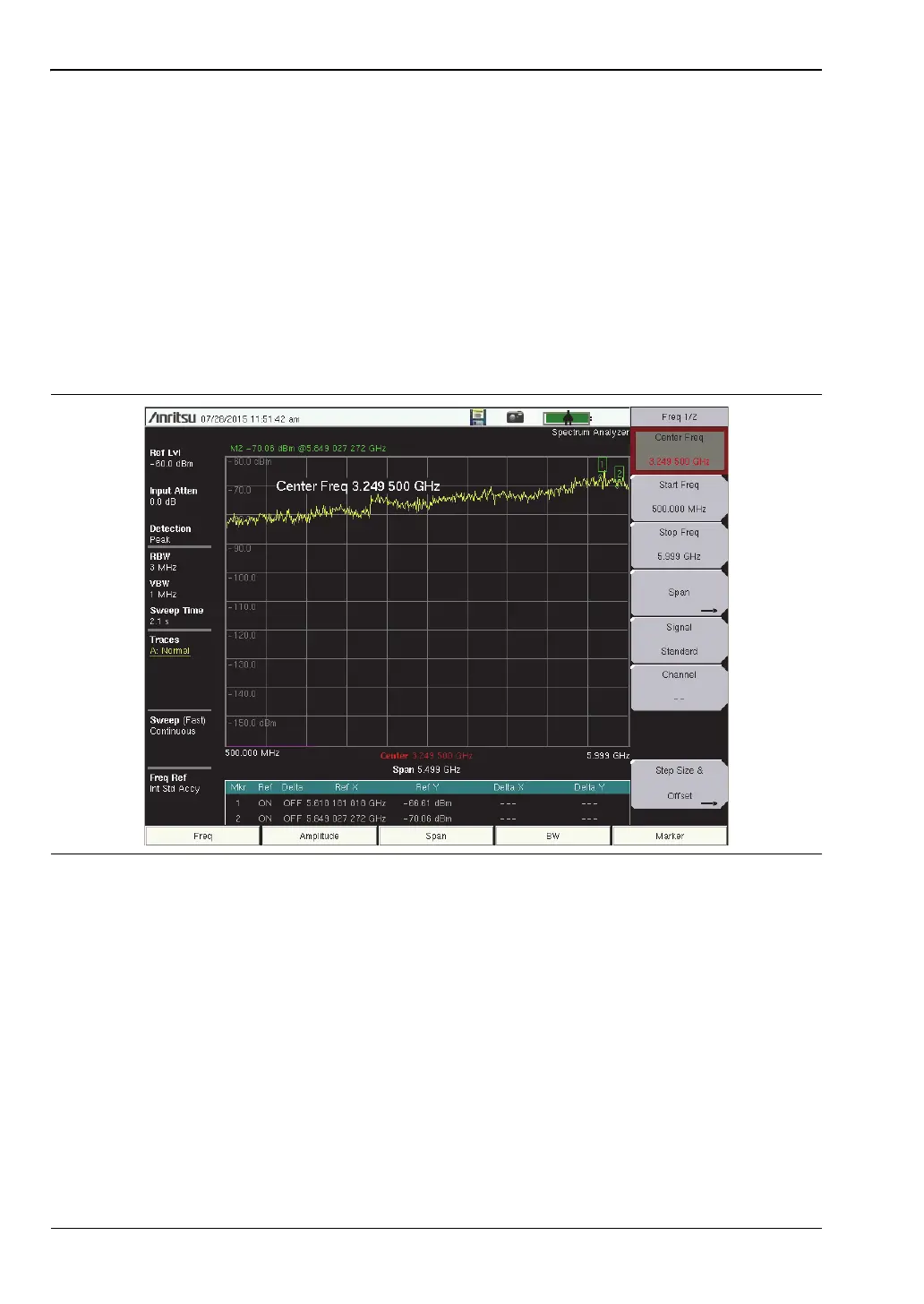
Figure 2-12. Arrow Navigation Example












 To Next Page