10
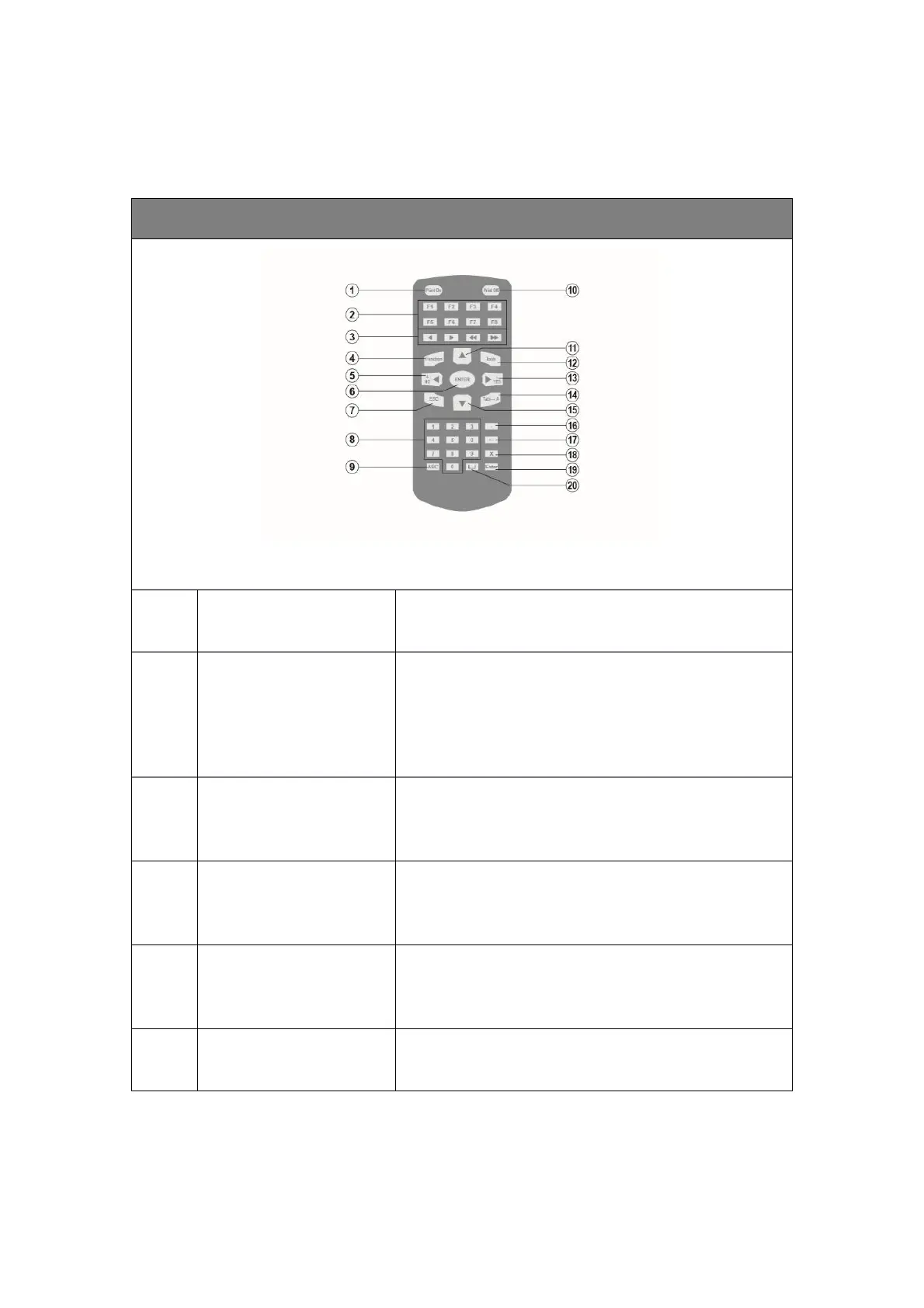
2.2 Pocket-size Remote Keypad
U2-Smart/U2-SmartONE”/U2-ProS can be operated by ANSER’s remote keypad
U2 Printer Special Remote Control
Existing Message content that contains;
Time/Expire/Counter/Shift/Logo/Barcode and String.
Operator can quickly access to the editing page to
modify a specific content.
These buttons allow you to move your cursor faster
when creating new message.
Shortcut to system settings page.
The arrow keys allow the operator to navigate through
the software menus.
Confirm, save or apply a setting.



 To Next Page