4
Step 1. Place the machine on a flat, level hard and well ventilated surface area and reserve at least 50cm open
space around the machine, and make sure there is no flammable gas or material nearby;
Step 2. Fill the machine with Antari approved bubble fluid;
Step 3. Plug the machine to the power outlet. Please read the technical label on the back of the machine and make
sure the power outlet has the correct rated voltage for the machine;
Step 4. Turn on the power, the internal bubble wheel and fan will active and start to produce bubble. Turn off the
power to stop.
Step 5. To turn off the power, please make sure the machine is not operating. If you will not use the machine a
long period of time, please unplug the power cord.
8. Filling Bubble Fluid
Ensure your bubble machine is unplugged from the main electrical supply before filling bubble fluid.
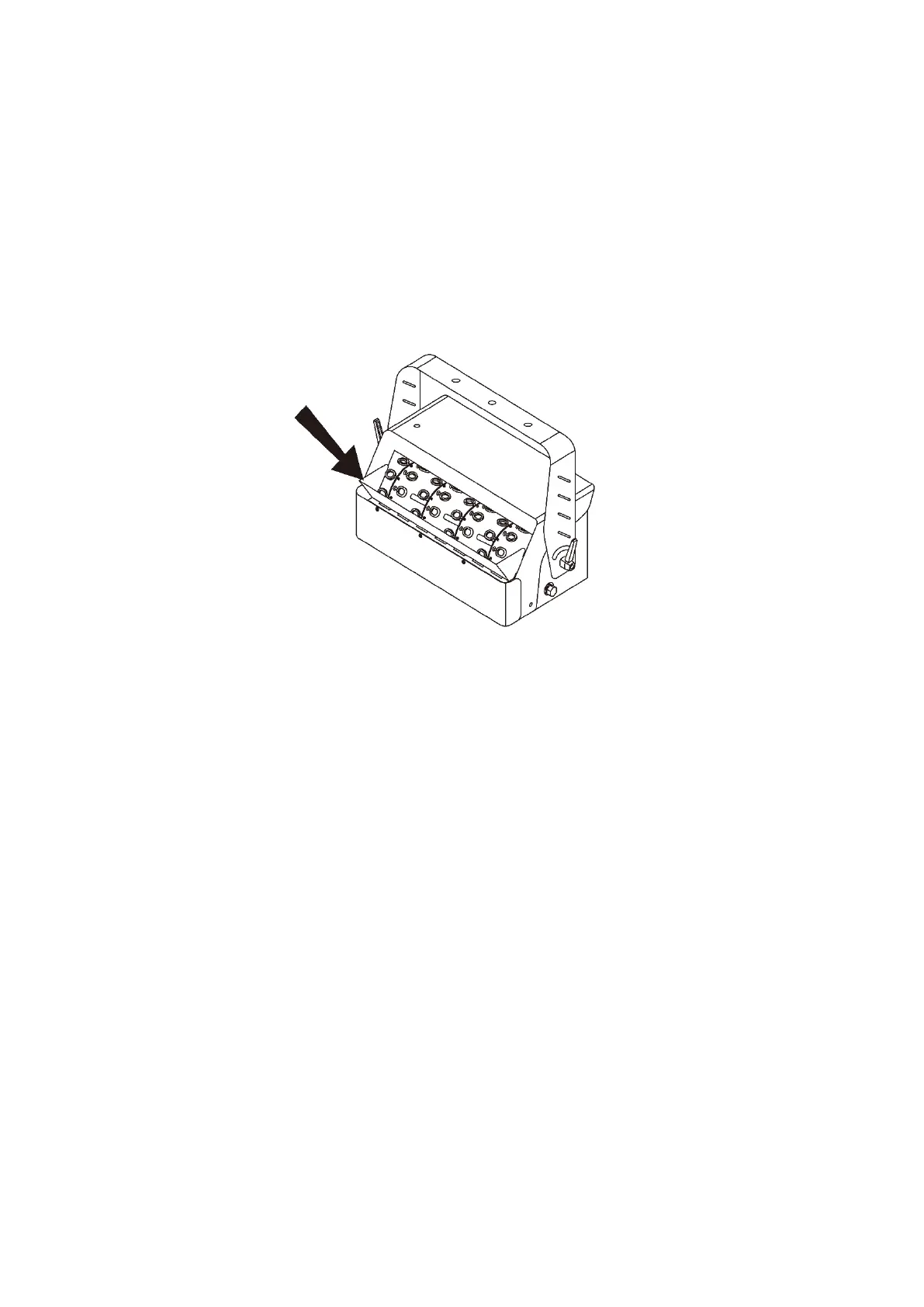
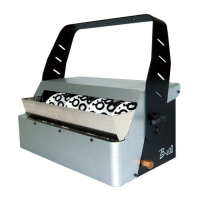
Please pour the bubble fluid as shown above.
***Always check bubble fluid level.
***Please make sure that the bubble wands are completely covered with bubble fluid.
***Do not overfill the bubble fluid – stop 5cm below the top edge to avoid overflow and internal damage.
***Only use Antari Bubble Fluid – the machine cannot run on water only or other uncertified fluid.
9. Control Settings
B-200 High Output Bubble Machine can be operated in the following modes. The machine can only accept 1 type
of signal at a time. When using different control modes at the same time, the machine will work according to built-
in control priority:
Manual
Timer
DMX512
Wireless
10. DMX Connection
10.1 DMX Connector Pin Assignment
The machine has a XLR 5-Pin for DMX connection. The diagram below indicates pin assignment information.


 To Next Page