3
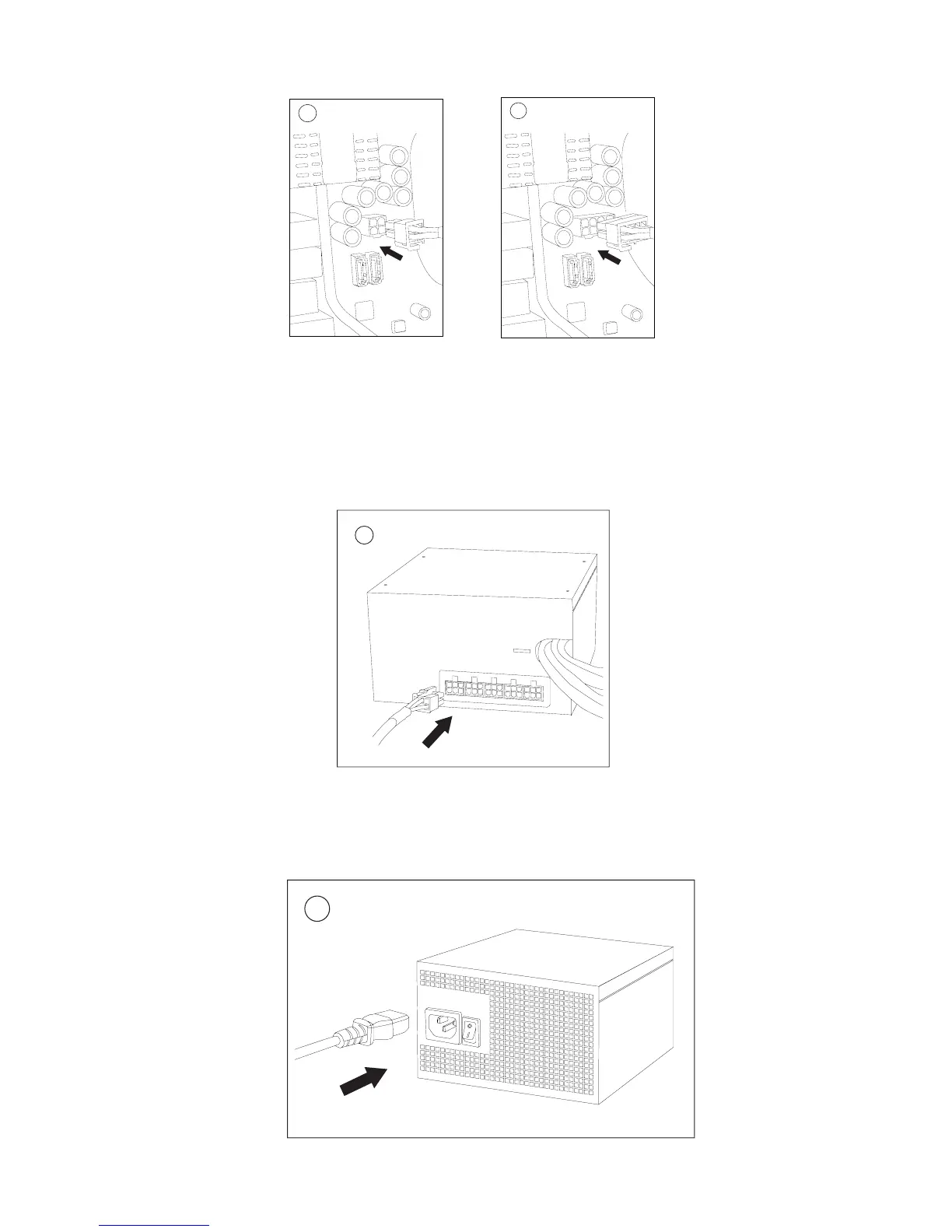
3. Connect the 4-pin (3a) or 8-pin (3b) connector for the CPU.
Note: Please also refer to your motherboard user guide for any special instructions.
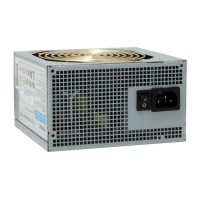
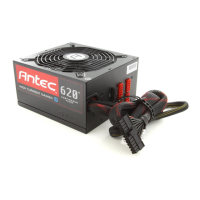
4. Connect the cables from cable pack to the socket on the power supply as needed.
If you are using the PCI Express cables, make sure that the end of the cable labeled
PCI-E is plugged into the video card, not the PSU.
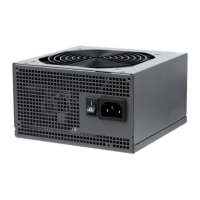
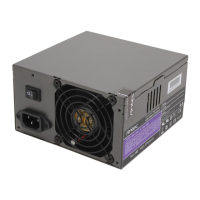
5. Connect the AC power cord to the power supply AC inlet and turn the switch
to “I” position.
3a
3b
4
5


 To Next Page