USER MANUAL
PAGE 11
ANTTRON ©2013
TM220HD
4.5- The language menu
4.6 - Default configuration
When selecting this option, all your modications will be lost, and the default fac-
tory settings will be restored.
Select in this menu your preferential language.
5 - Programming using a PC
The settings of the TM220HD can also be changed using a PC.
First, please install the software TMHDIFace on your PC. You can download this software from our
internet site anttron.com
After installation of this software, connect the TM220HD using a USB cable (not included) to your per-
sonal computer. Then launch the program TMHDIface.
On the display of the TM220HD the message <USB> appears, indicating that the programming is now
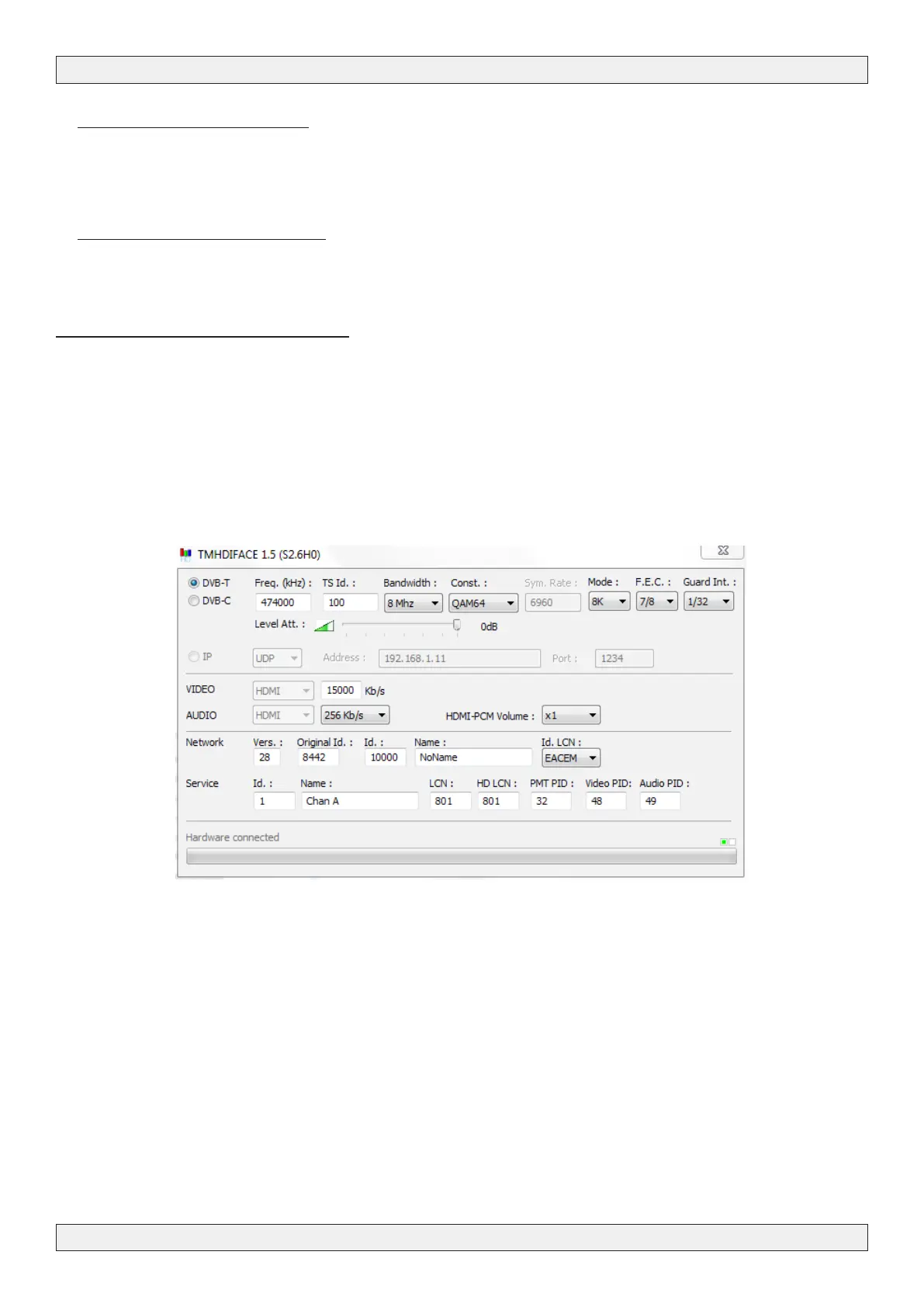
performed through your PC. The following window appears on your screen.
Now, all parameters discussed in Chapter 4 of this user manual can be modied by TMHDIface.



 To Next Page