USER MANUAL
PAGE 6
ANTTRON ©2013
TM220HD
DVB-T MODULATOR
DVB-C MODULATOR
CONFIGURATION
FREQUENCY
BANDWIDTH
ATTENUATION
DVB-T
DVB-C
DVB SETTINGS
VIDEO RATE
AUDIO RATE
HDMI-PCM VOLUME
A/V SETTINGS
NIT RELEASE
NET ID.
ORIG. NET. ID.
NETWORK NAME
PROGRAM ID.
LCN ID.
L.C.N.
HD L.C.N.
SERVICE NAME
PMT PID
VIDEO PID
AUDIO PID
TS SETTINGS
FRANCAIS
ENGLISH
ITALIANO
DEUTSCH
ESPANOL
POLSKI
LANGUAGE
CONFIGURATION
DVB SETTINGS
A/V SETTINGS
TS SETTINGS
LANGUAGE
DEFAULT CONFIG.
MAIN MENU
In order to go from one menu to the other use the MOVE UP/DOWN keys to select the menu option.
Press the ENTER button to select this option. Press the CANCEL button to go back to the previous
menu.
To set parameters, whether you have the option to select a specic value. In the other case some
number or text string should be entered. In that case, use the buttons u and t to move to the desired
character and press the ENTER button to conrm. Please note the following SPECIAL CHARACTERS :
8 conrm the modied value / X erase all / f backspace
bc move cursor back or forward
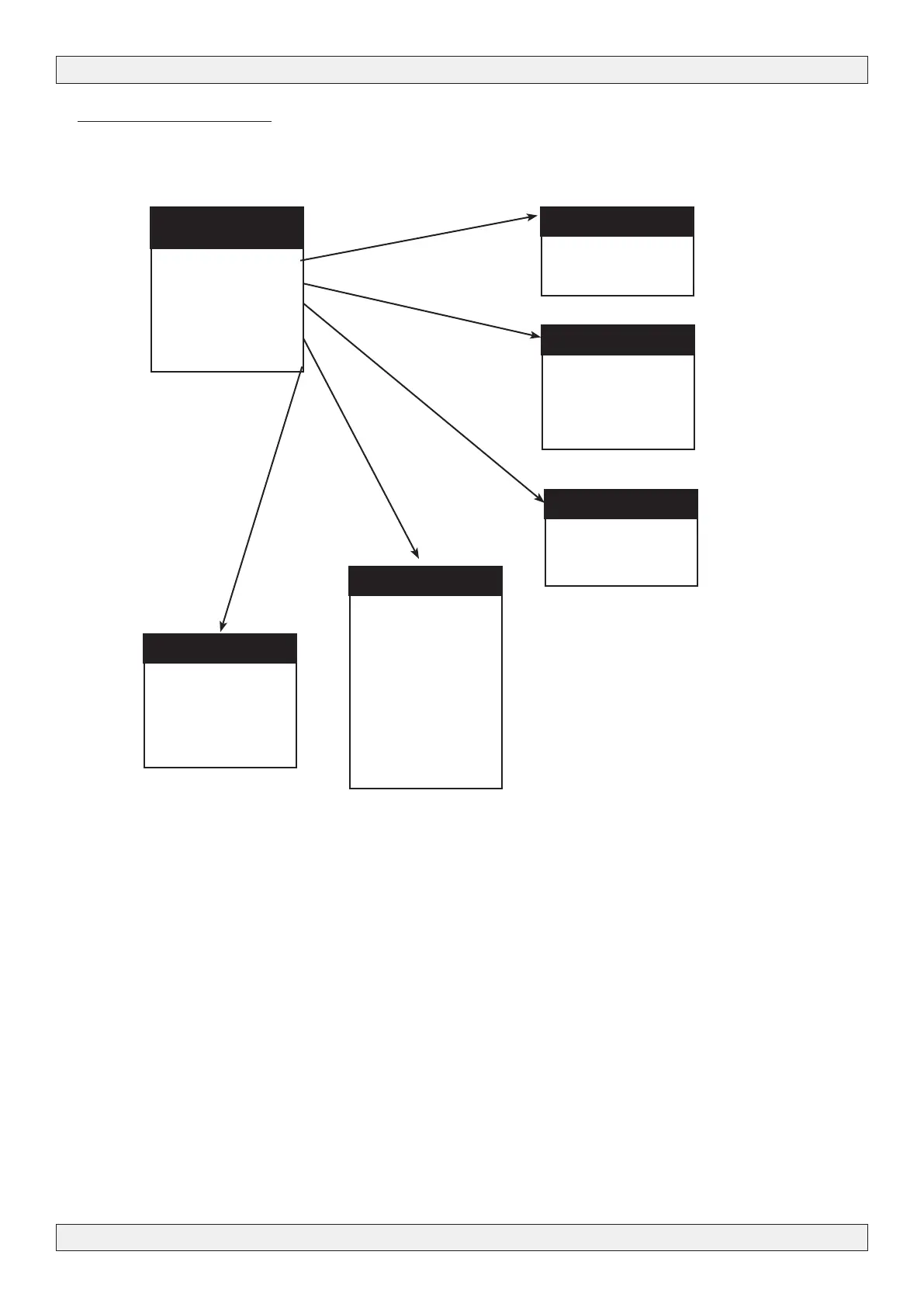
3.3 - Menu structure
The TM220HD has different menus allowing easy access to the differents parameters and to change
them when necessary. Below you will nd the structure of the different menus.



 To Next Page