4 - Setting up the TM220HD
USER MANUAL
PAGE 7
ANTTRON ©2013
TM220HD
In this menu you can setup your TM220HD as DVBT modulator or DVBC modulator. Select the
appropriate option with the buttons u and t and press the ENTER button to conrm.
4.1 - The CONFIGURATION menu
DVB-T MODULATOR
DVB-C MODULATOR
CONFIGURATION
4.2 - The DVB settings menu
FREQUENCY
BANDWIDTH
ATTENUATION
DVB-T
DVB-C
DVB SETTINGS
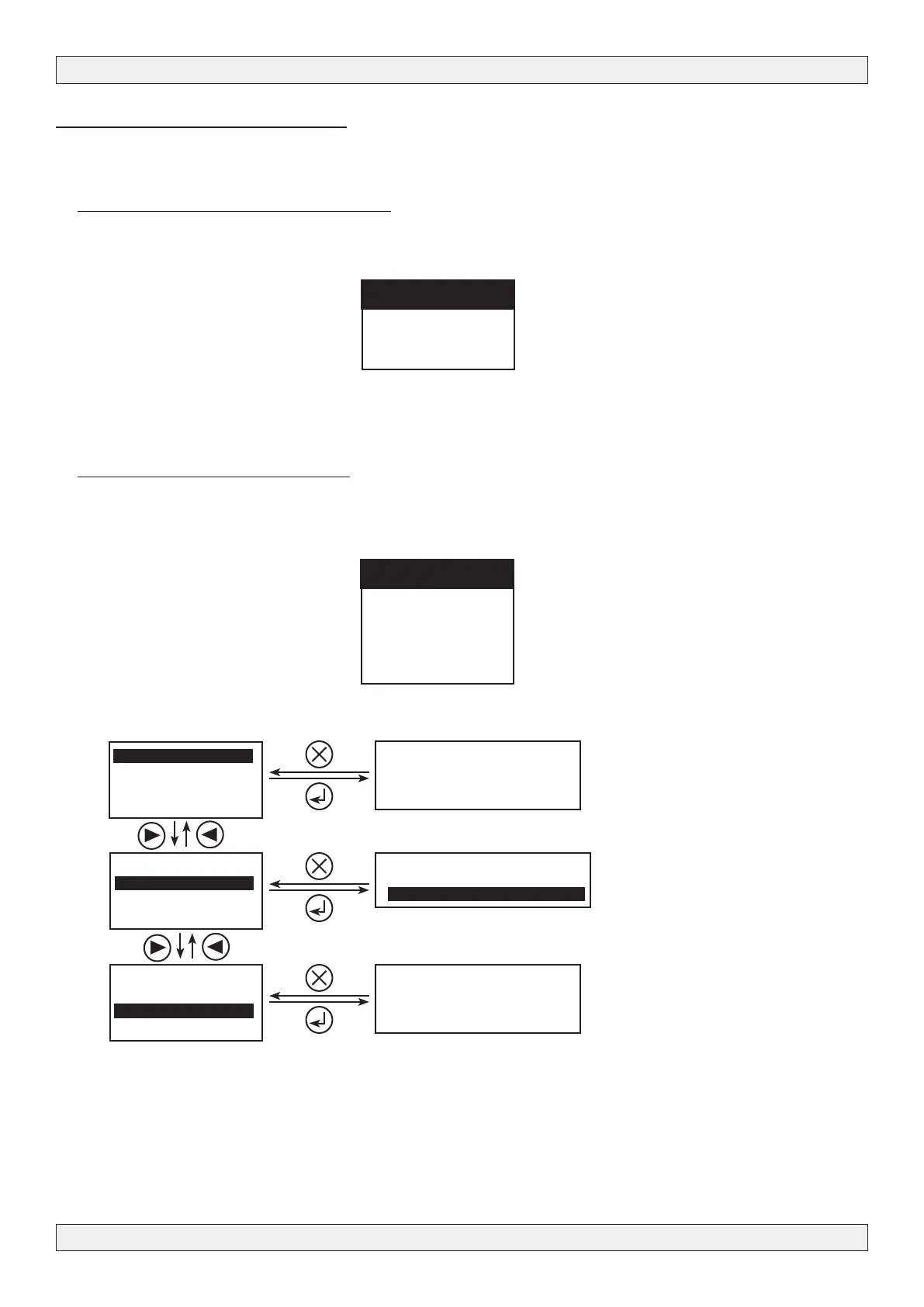
If the TM220HD is congured as DVBT modulator or DVBC modulator, you can set in this menu
the output frequency, bandwidth, output level and specic parameters for DVB-T or DVB-C.
FREQUENCY
474000_kHz
8 Xfbc0123456789
6 MHz
7 MHz
8 MHz
ATTENUATION
0_ dB
8 Xfbc0123456789
FREQUENCY
BANDWIDTH
ATTENUATION
DVB-T
FREQUENCY
BANDWIDTH
ATTENUATION
DVB-T
FREQUENCY
BANDWIDTH
ATTENUATION
DVB-T
Set the output frequency
Select the bandwidth
Set the output level



 To Next Page