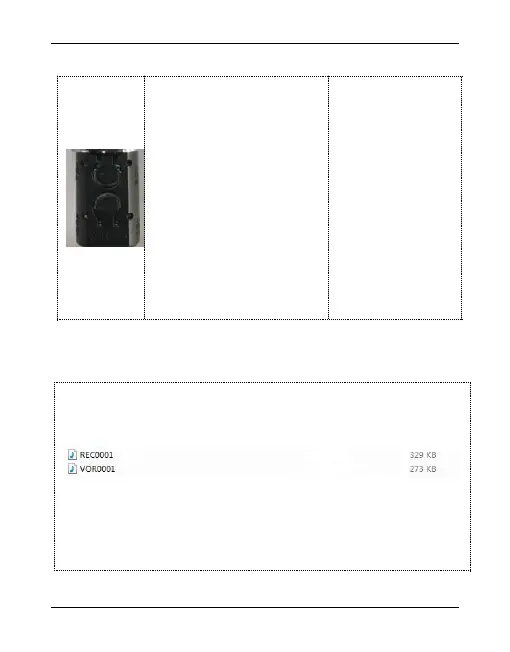
Charging: When charging,
the charge indicator light
will flash. The 4 indicators
mean the 4 different stage
of remaining power(25%,
50%, 75%, 100%,
respectively).When the
battery is fully charged,
the four indicator lights are
all off. Charging time is
about 2 hours.
The recording file is named REC0001, and the voice activated
recording file is named VOR0001 (VOR function is on).
Note: If the recording state blinks red for 10 times, it indicates
that the memory is Full. The maximum number of files name is
9999.


 To Next Page