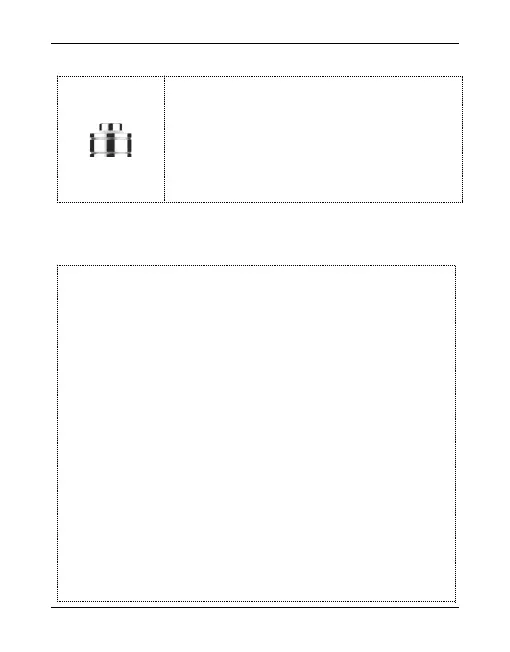
In the process of recording, press the top
button to rebound back to high level. Save the
current recording and switch off the voice
recorder.
Turn the toggle switch to the VOR position for voice mode,
the red orange light flashes alternately and the voice control
begins to work. Voice mode: Voice activated boot recording.
When the outside sound reaches -60DB, the system will
automatically boot into the recording state, if the sound
detected is less than-60DB after 20 seconds, the system will
automatically save the recording file and shut down. (Note:
the top spring switch is not the main switch. You cannot
switch off the voice control function.)


 To Next Page