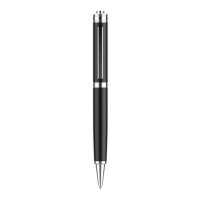
For playing the recording files, insert the headset into recorder
pen, then press the top button in low position.
For pausing the playback, press the top button in high position.
Press the top button in low position again to resume the
playback.
Pressing the top button in high position, no any operation
within 30s, recorder pen will be turn off automatically.
Under the play state of the headphone,long press“+”key to
increase the volume,long press“-”key to reduce the volume.
In the play state of the headset,short press “+”key to go to the
next one,short press“-”key to go to the previous one;


 To Next Page