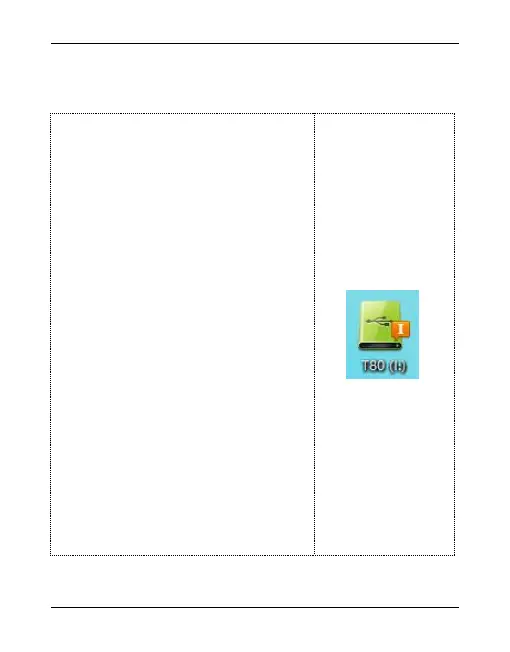
In order to be able to download and
upload files from the computer, connect
the PC's USB port and the unit using the
supplied USB cable, and the unit will be
automatically power on when
connected. In the first connection , the
computer will prompt information like
creating a new information database or
finding new hardware . Then it can
automatically detect the machine. At
this point, the display will show the
diagram like on the right hand side of
the page to indicate the connection is
successful.


 To Next Page