87
A
A
K
K
7
7
7
7
-
-
3
3
3
3
3
3
O
O
n
n
l
l
i
i
n
n
e
e
M
M
a
a
n
n
u
u
a
a
l
l
Del
H
H
o
o
w
w
T
T
o
o
E
E
n
n
t
t
e
e
r
r
B
B
I
I
O
O
S
S
S
S
e
e
t
t
u
u
p
p
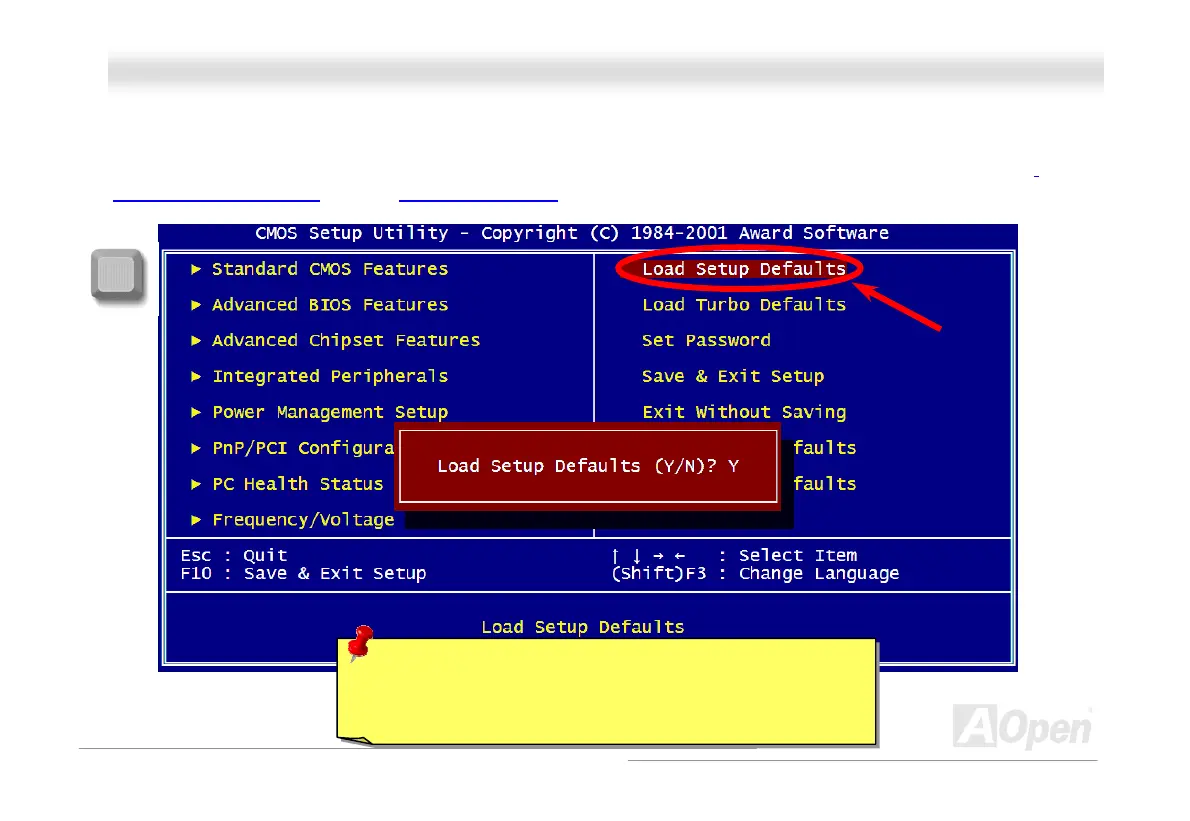
After you finish the setting of jumpers and connect correct cables. Power on and enter the BIOS Setup, press <Del> during
POST (Power-On Self Test). Choose "Load Setup Defaults" for recommended optimal performance.
Warning: Please avoid of using "Load Turbo Defaults", unless
you are sure your system components (CPU, SDRAM, HDD,
etc.) are good enough for turbo setting.



 To Next Page