EN-15
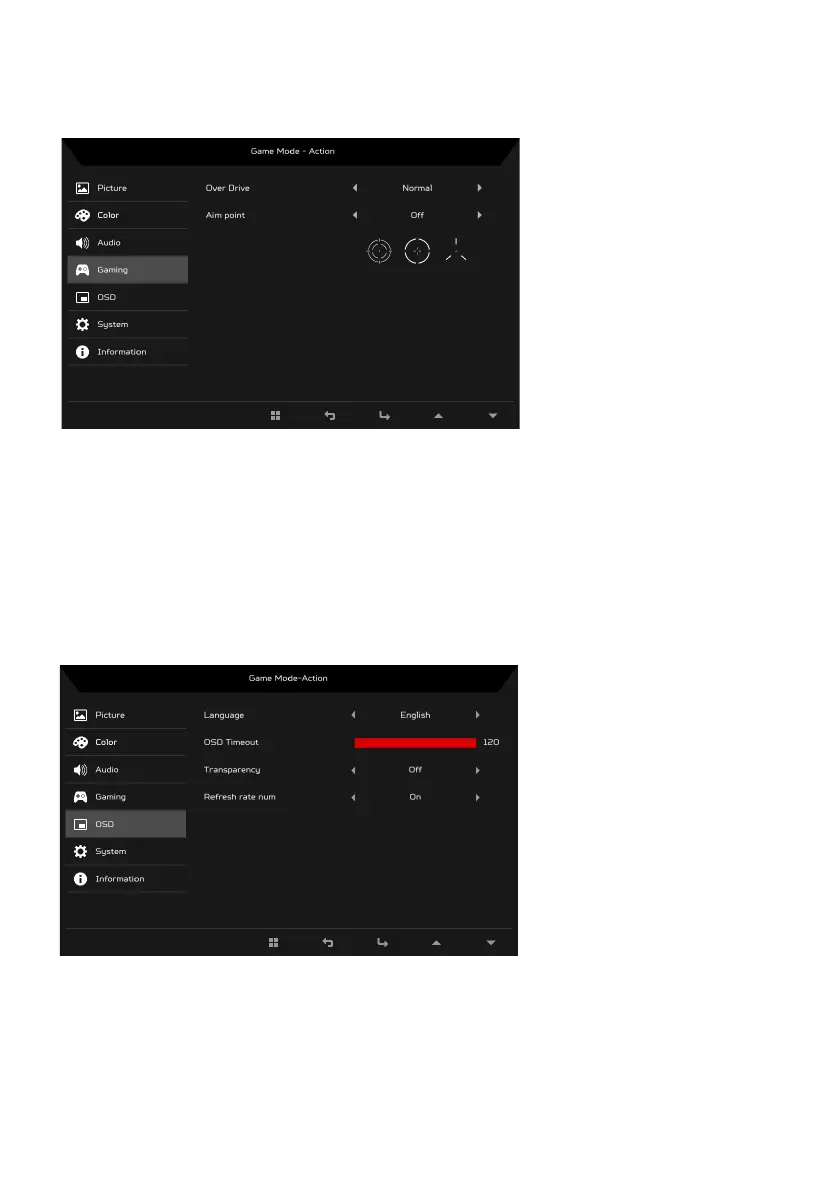
Adjusting the Gaming
1. Press the MENU key to open the OSD.
2. Using the
/ keys, select Gaming from the OSD. Then navigate to the
picture element you wish to adjust.
3. Use the / keys to select setting.
4. Over Drive: Select Off, Normal, or Extreme.
5. Aim point: Show an Aim point on the screen for shooting games.
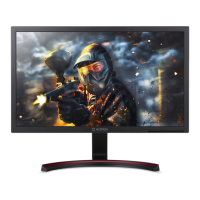
Adjusting the OSD
1. Press the MENU key to open the OSD.
2. Using the
/ keys, select OSD from the OSD. Then navigate to the
setting you wish to change.
3. Use the / keys to adjust any sliding scales.
4. Language: Set the OSD menu language.



 To Next Page