EN-14
5. Color temperature: Default is warm. You can choose Cool, Warm,
Bluelight or User.
6. sRGB mode is for getting better color matching representation with the
peripheral device, such as DSCs or printers.
7. 6-axis Hue: Adjust the red, green, blue, yellow, magenta and cyan hue.
8. 6-axis Saturate: Adjust the red, green, blue, yellow, magenta and cyan
saturation.
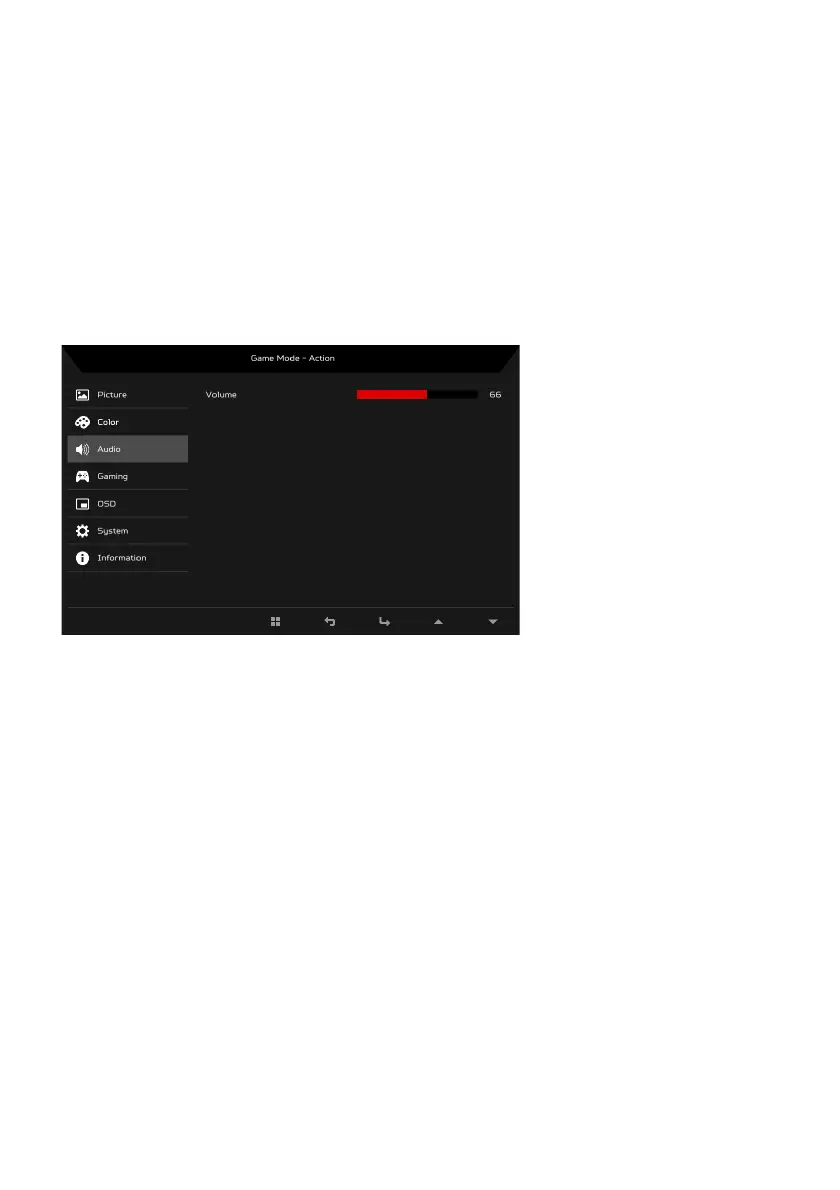
Adjusting the Audio
1. Press the MENU key to open the OSD.
2. Using the
/ keys, select Audio from the OSD. Then navigate to the
picture element you wish to adjust.
3. Use the / keys to select setting.
4. Volume: Adjusts the volume.



 To Next Page