EN-11
Adjusting the OSD settings
The OSD (on-screen display) can be used for adjusting the settings of your LCD
Monitor. Press the MENU key to open the OSD. You can use the OSD to adjust
the picture quality, OSD position and general settings. For advanced settings,
please refer to following page:
Main Page
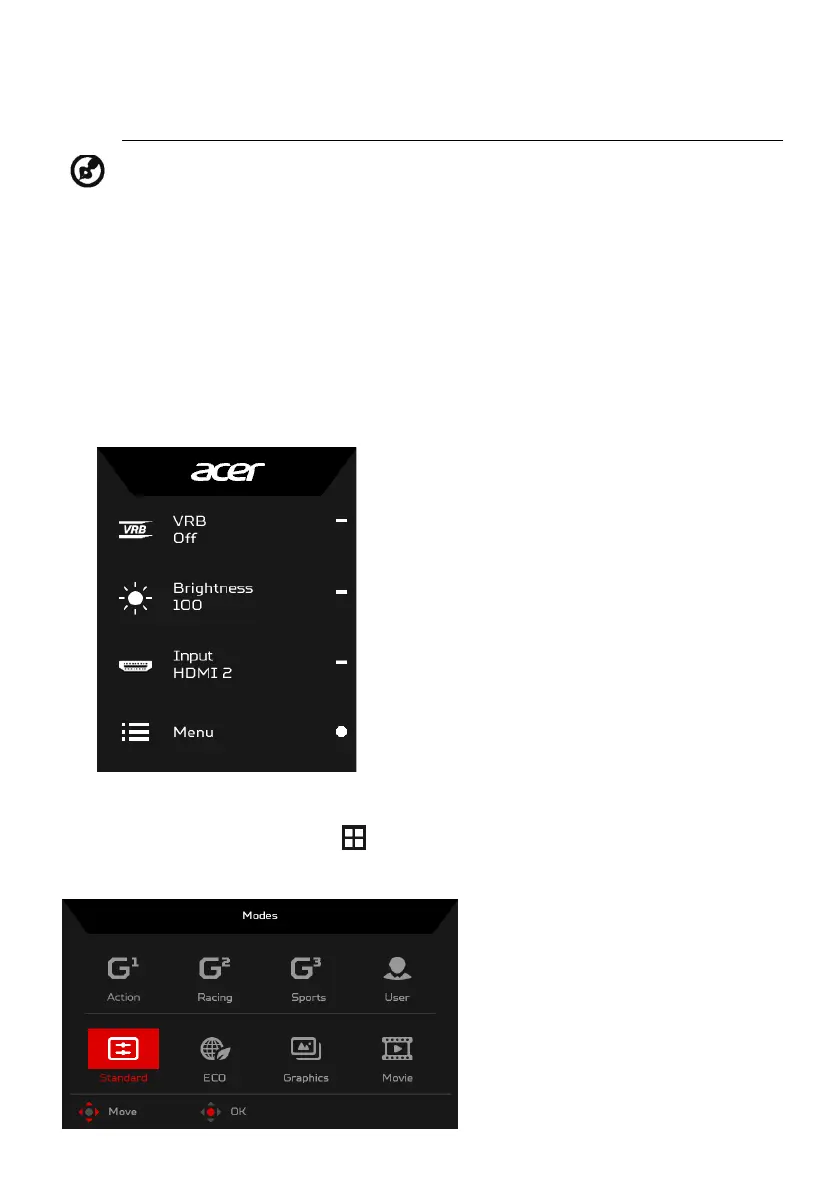
The default function for buttons 1 and 2 are VRB and Brightness. You can use
the Hot Key Assignment function to set these buttons to your preferred
functions.
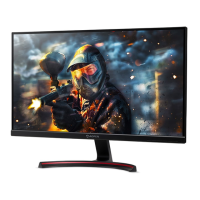
Turn Modes on or off
From any function page, press to open the Modes control and select which
user-defined profile to use (please see the OSD section for more information).
Note: The following content is for general reference only. Actual
product specifications may vary.
1. VRB
2. Brightness
3. Input
4. Menu



 To Next Page