EN-12
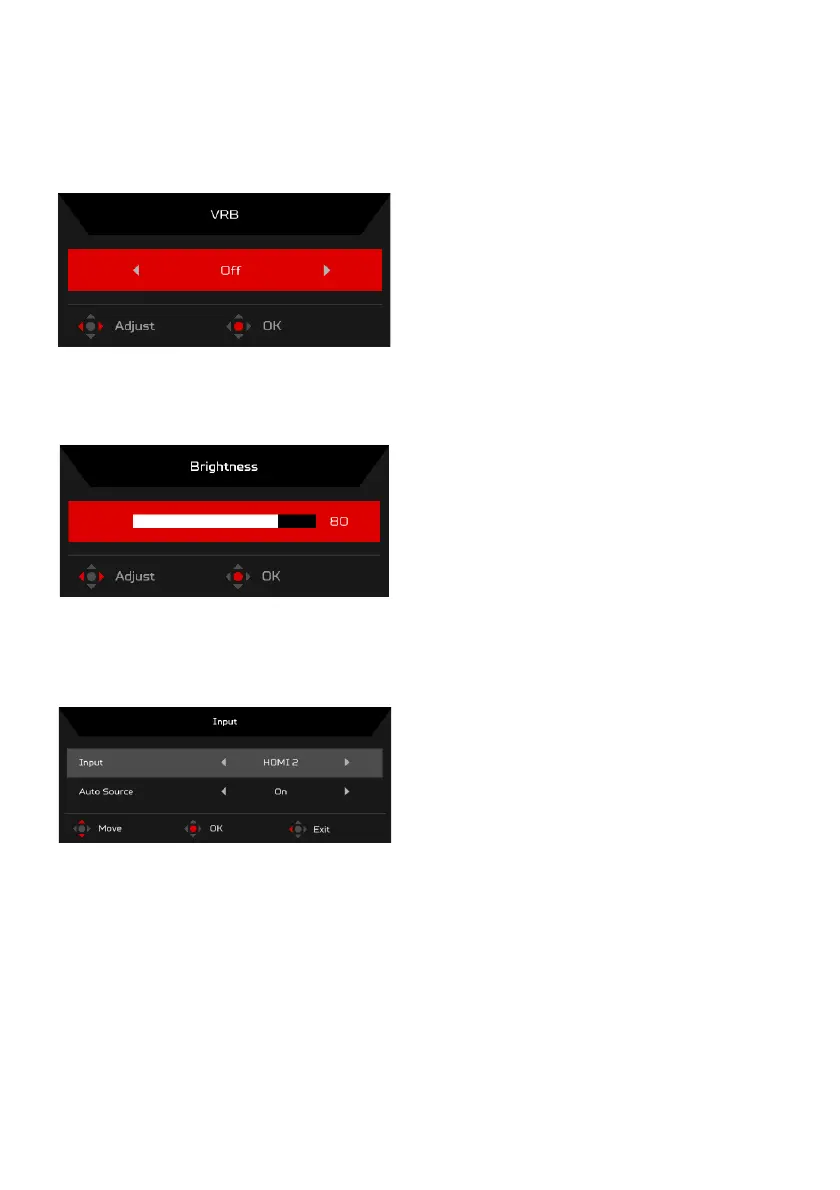
Turn VRB on or off (Selective models)
Open the VRB control and select the VRB setting using the Navi/OK button.
When you are done, press the Navi/OK button go back one level.
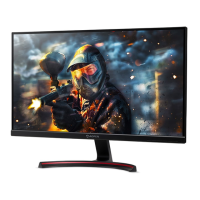
Adjusting the Brightness
Open the Brightness control and select the brightness setting using the Navi/
OK button. When you are done, press the Navi/OK button to exit.
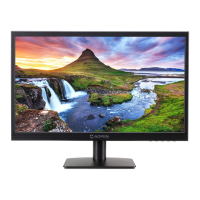
Selecting the Input
Open the Input control and select an available input source. When you are
done, press the Navi/OK button to go back one level.


 To Next Page