3
Mobility Scenario
Because the system comes in very compact size, you can carry
it from your home to the offi ce, or to a business meeting
conveniently in a hand bag.
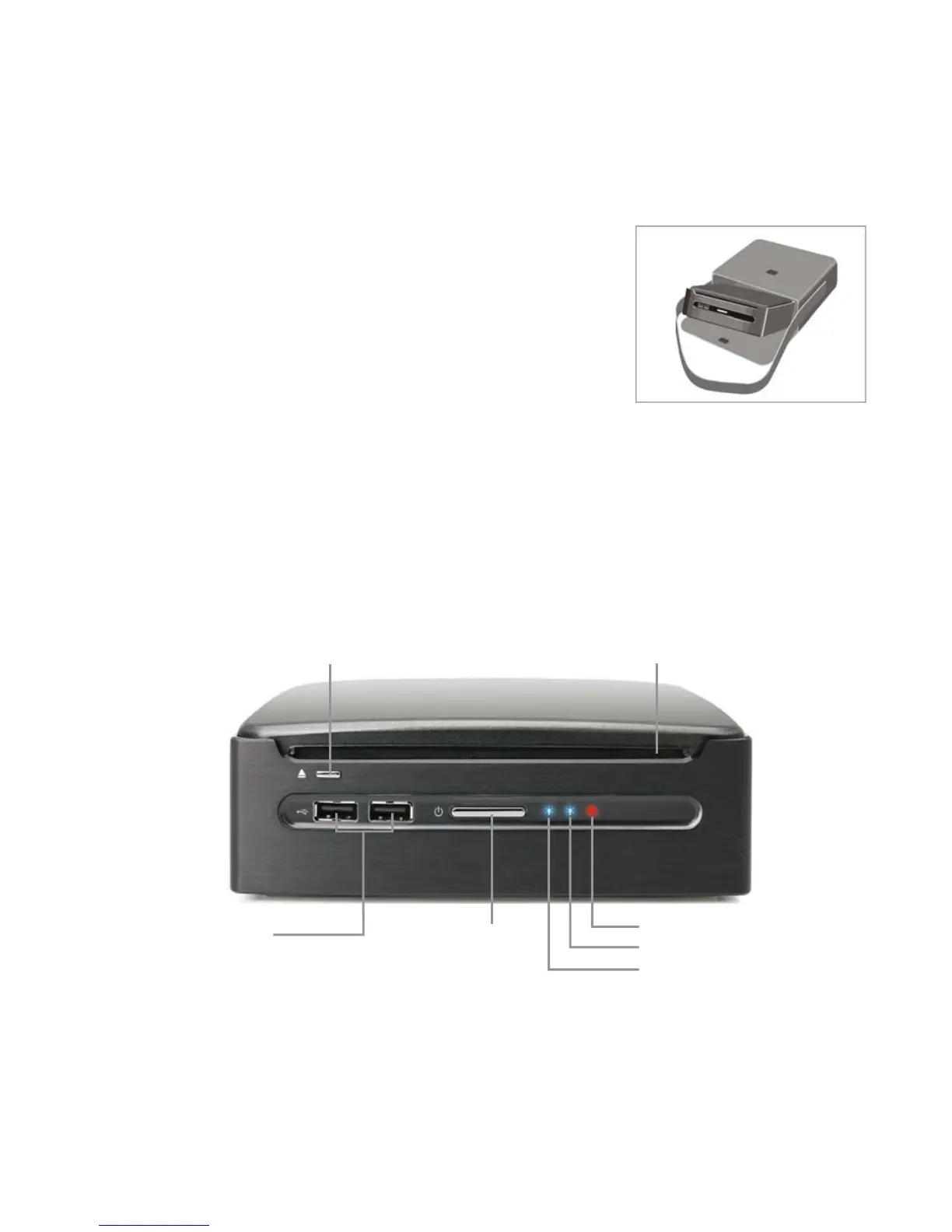
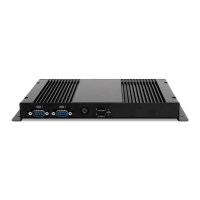
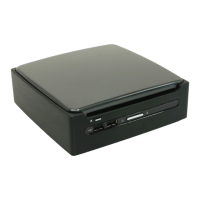
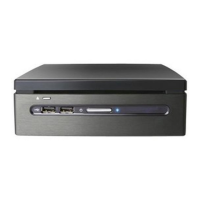
The Front View
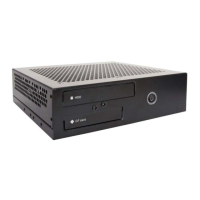
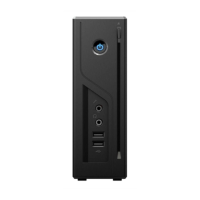
The power button is located in the center of the front panel. An optional optical disc drive is
also located near the top of the front panel. You can place an optical disc into the opening near
the top of the front cover. The disc eject button is located to the left of the front panel when
you face the front of the system. And 2 USB ports are also located on the left hand side of the
power button, and both of power indicator and HDD indicator will locate on the right hand
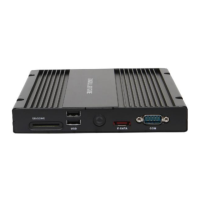
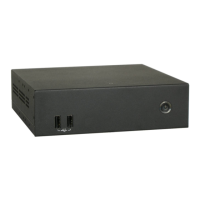
side. The front view of the system is illustrated below:
Note: Please push power button center to boot up XC mini.
CD/DVD Eject Button
Power Button
Optical Device Drive
IR indicator (MP45-DR only)
HDD indicator
Power indicator
USB 2.0 Port



 To Next Page