11
After the system detected the new memory device, the Windows operating system will display a
dialog box prompting you to install the software driver for the memory device. The instructions
are quite self-explanatory and easy. You can simply follow the instructions to complete the
installation process. After the software driver has been installed, you can copy fi les from the
system hard disk drive to the memory device, or from the memory device to the system hard
disk drive.
Connecting Power Source
The system comes with a power cable and adapter. Plug the output of the power adapter to the
power connector on the back panel of the system unit. Then, connect the power plug to the wall
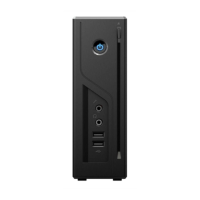
outlet. Once the system is connected to the power source, the power indicator in the middle of
the front panel will light up. You should press the power button on the front panel to start the
system.



 To Next Page