AR8000 operating manual
19
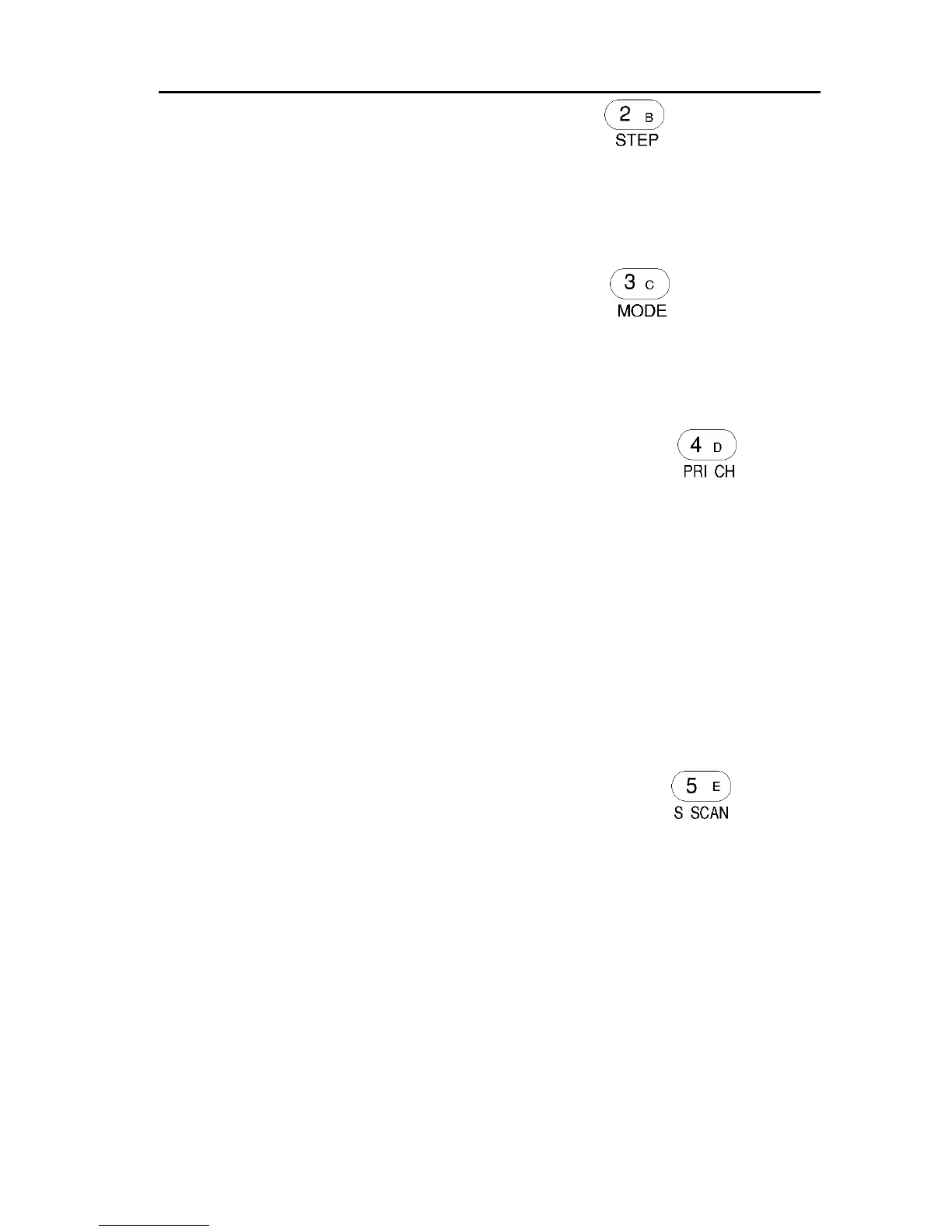
[2] [B] [STEP] Numeric 2 / Bank B / STEP key
This key acts as a numeric 2 when entering frequencies via the keypad.
In search, scan and memory modes this key is used to identify bank B/b.
If the sequence [FUNC] [2] is keyed, the tuning STEP size may be
selected.
[3] [C] [MODE] Numeric 3 / Bank C / MODE key
This key acts as a numeric 3 when entering frequencies via the keypad.
In search, scan and memory modes this key is used to identify bank C/c.
If the sequence [FUNC] [3] is keyed, the receive MODE may be selected.
[4] [D] [PRI CH] Numeric 4 / Bank D / Priority operation
This key acts as a numeric 4 when entering frequencies via the keypad.
In search, scan and memory modes this key is used to identify bank D/d.
If the sequence [FUNC] [4] is keyed, the receive PRIORITY channel is
activated / deactivated as a toggle. The legend “P” appears on the top line of
the LCD to signify that priority channel watch has been activated.
If the sequence [FUNC] then hold [4] for more than one second is keyed,
the “SET PRI CH” set priority channel sub menu is activated. The priority
channel may be chosen (which bank / number) with sampling time and
accompanying text. Once a memory channel has been selected for priority,
its data is held in a special priority store so that the information will
remain intact even if the original memory channel data is later revised.
[5] [E] [S SCAN] Numeric 5 / Bank E / Select Scan key
This key acts as a numeric 5 when entering frequencies via the keypad.
In search, scan and memory modes this key is used to identify bank E/e.
If the sequence [FUNC] [5] is keyed, SELECT SCAN will be activated. The
legend “SEL” appears at the top left of the LCD to indicate select scan
activation. Select scan only scans those specific channels which have been
identified (tagged) using the [FUNC] [PASS] select scan procedure. This is
very useful to allow the rapid selection of a mixture of memory channels
irrespective of memory banks for specific scanning applications. Press [2VFO]
to cancel SELECT SCAN and return to 2VFO mode.



 To Next Page