EasyManua.ls Logo

AOR AR-DV10 - User Manual

AOR AR-DV10
65 pages
Print Icon
To Next Page IconTo Next Page
Loading...
®
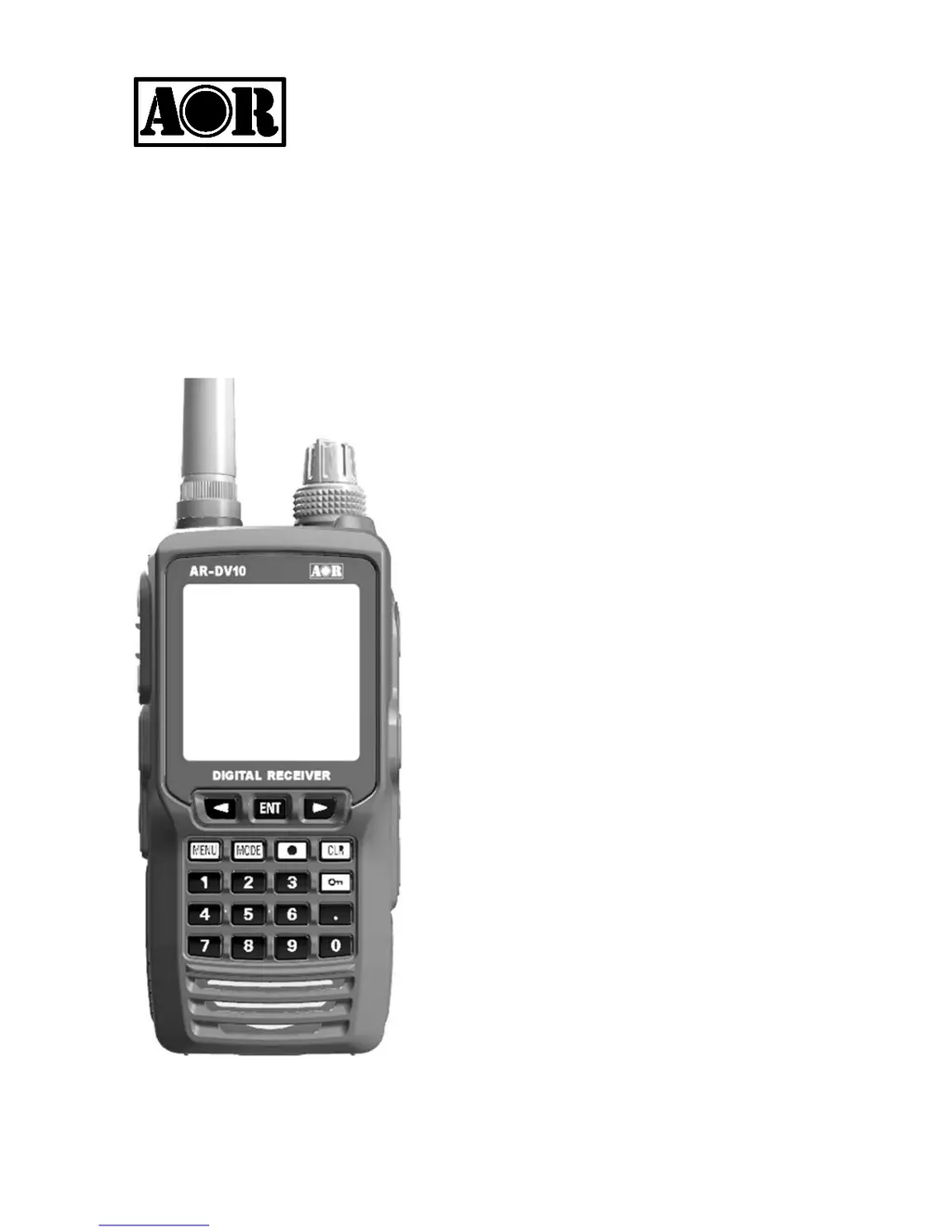
DIGITAL RECEIVER
AR-DV10
Operating manual
AOR, Ltd.
Authority On Radio Communications
Stay up to date! Operating manual addendum and firmware updates available at
http://www.aorja.com/receivers/ar-dv10.html

Table of Contents

Questions and Answers

  • B
    Bradley ParkJul 28, 2025
    How to fix an AOR Receiver that does not power on?
    • A
      Alexandria GarciaJul 28, 2025
      If your AOR Receiver isn't powering on, it could be due to several reasons. First, try recharging the lithium-ion battery pack or replacing the alkaline batteries with new ones. Ensure the battery pack or alkaline battery tray is correctly inserted and that the terminals are clean. Also, check the AC power adapter or cigarette lighter DC/DC converter connection to ensure they are properly inserted.
  • J
    Joseph RodriguezAug 2, 2025
    Why is there no sound coming from my AOR Receiver?
    • X
      xcooperAug 2, 2025
      If you're not getting any sound from your AOR Receiver, there are a few things to check: * Lower the squelch level, as it may be set too high. * If 'CTC' or 'DCS' is displayed, disable these functions. * If a digital mode is selected, sound will only be heard when a digital signal is detected. * Reduce the 'VOL ATT' value, as it may be set too high.
  • D
    danagibsonAug 8, 2025
    What to do if AOR AR-DV10 Receiver boot up is hanging?
    • D
      daniel06Aug 8, 2025
      If your AOR Receiver is hanging during boot up and not reaching the VFO screen, remove all power sources, wait one minute, then reinsert the battery pack and power it on again. This may resolve the issue by correctly reloading the system data.
  • J
    Judith ChapmanAug 15, 2025
    How to fix frozen LCD display on AOR Receiver?
    • A
      Allen MooreAug 15, 2025
      If the LCD display on your AOR Receiver seems frozen, reboot the receiver and perform a system reset. This should resolve the issue.
  • A
    Anthony DayAug 20, 2025
    Why is the voice barely audible on my AOR AR-DV10 (analog reception)?
    • L
      Luke PriceAug 20, 2025
      If the voice is barely audible on your AOR Receiver during analog reception, the frequency might be slightly offset. Try fine-tuning in 1 kHz steps. Alternatively, the signal may be weak or affected by multi-path reception, so try another location.

Summary

Safety Precautions

Controls and Connectors Overview

Top Panel Controls

Identifies and describes the controls and connectors on the top panel of the receiver.

Front Panel Controls

Details the buttons, display, and other controls located on the front of the receiver.

Side Panel Controls

Rear and Bottom Panel Controls

LCD Display Information

Power Supply Options

Battery Pack Installation and Removal

Instructions for installing and removing the lithium-ion battery pack from the receiver.

Battery Pack Charging

Details on how to charge the lithium-ion battery pack using the AC adapter or cradle.

Alternative Power Sources

Basic Operation Procedures

Powering On and Off

Procedure for turning the receiver on and off, including important notes on saving data.

VFO Mode Reception

Explanation of the AR-DV10's three VFOs and how to select them for reception.

Frequency Input Methods

Receive Mode and Bandwidth Settings

Receive Mode Selection

How to select digital and analog receive modes, including automatic detection.

Squelch Functionality

Tuning Step Adjustment

Memory Channel and Scan Operations

Save Frequency to Memory Channel

Steps to save frequencies, modes, and bandwidths into memory channels.

Memory Bank Scanning and Management

Edit Memory Channel Details

Priority Reception Setup

Setting Up a Priority Channel

Step-by-step guide to configure a priority channel for activity monitoring.

Program Search Functions

Create a Search Bank

Registering frequency limits, mode, and title for search banks.

Search Operation and Management

Run a Search Operation

Initiating a search operation between specified frequency limits.

Advanced Operation Features

Advanced Squelch Types

Advanced Digital Mode Settings

Receiver Settings Configuration

Receiver Data Backup and Restore

Making a Data Backup

Steps to back up receiver settings and memory data to a microSD card.

Restoring a Data Backup

Procedure to restore backed-up receiver data from a microSD card.

Firmware Update Procedure

Firmware Update Steps

Detailed instructions for updating the receiver's firmware via SD card.

Troubleshooting Guide

Technical Specifications

AOR AR-DV10 Specifications

General IconGeneral
Antenna ConnectorBNC
Frequency Range100 kHz - 1300 MHz
Modulation TypesAM, FM, SSB
Digital ModesD-STAR, DMR, P25
Sensitivity0.5 μV (typical)
Channels1000
Current Consumption500 mA

Related product manuals