43
10. ADVANCED OPERATION
10.1. SIGNAL ATTENUATOR
This function is used to lower the receiver’s sensitivity in case the signal is too strong (audio
sounds distorted), thus overloading the receiver’s RF stage.
The attenuation is approx. 10dB. However the S-meter value remains unchanged.
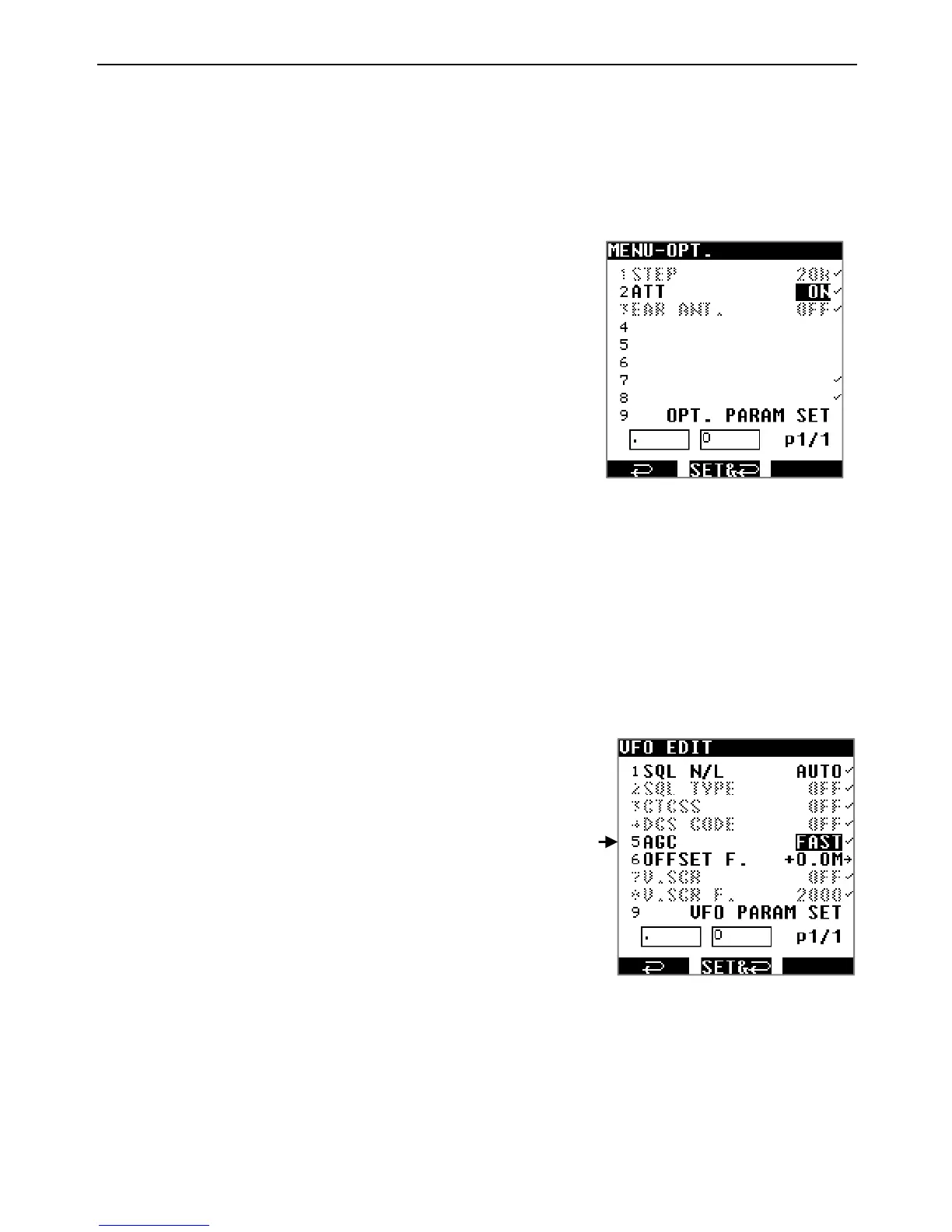
1. Press [MENU] then use [▶] to select [OPT] and
press [ENT].
2. Use [▶] to select [ATT] and press [ENT].
3. Select ON or OFF with the dial selector.
4. Press [ENT] four times.
When set to ON, [ATT] will be displayed on
the main screen.
10.2. AGC
AGC (automatic gain control) equalizes average volume despite variation of the amplitude in
the input signal. The recovery time of AGC can be adjusted for AM signals (AM, USB, LSB,
CW) to better fit specific kinds of signals.
Typically, FAST is advised for CW (morse signals), SLOW for USB and LSB, and MID for AM
broadcasts.
1. Press [MENU] then [ENT].
2. Use [▶] to select [VFO EDIT] and press [ENT].
3. Use [▶] to select [AGC] and press [ENT].
4. Select the desired recovery time with the dial selector.
Possible selections are:
FAST :AGC with fast recovery timing
MID :AGC with average recovery timing
SLOW: AGC with slow recovery timing
RF-G :Manual gain
5. Use [▶] to select [VFO PARAM SET] and press [ENT] to save your selection.



 To Next Page