41
[OFF] is for no delay.
Default is 2 seconds.
Press [ENT] and rotate the dial selector knob to select the desired timing.
Validate with [ENT]. The following setting [FREE] is now selected.
Free time:
It’s the time after which search will resume, no matter if the signal was interrupted or
not.
It can be set between 1 and 60 seconds.
[OFF] means search will only resume after signal interruption, as set in “Delay time”.
Default is [OFF].
8. Press [ENT] and rotate the dial selector knob to select the desired timing.
9. Validate with [ENT].
Auto store:
The first 50 busy frequencies located during search are automatically saved in memory
bank 39, for later review and scanning.
10. Press [ENT] and rotate the dial selector knob to set auto store ON or OFF (default).
11. Validate with [ENT].
12. To save all settings of this group link page, press [ENT].
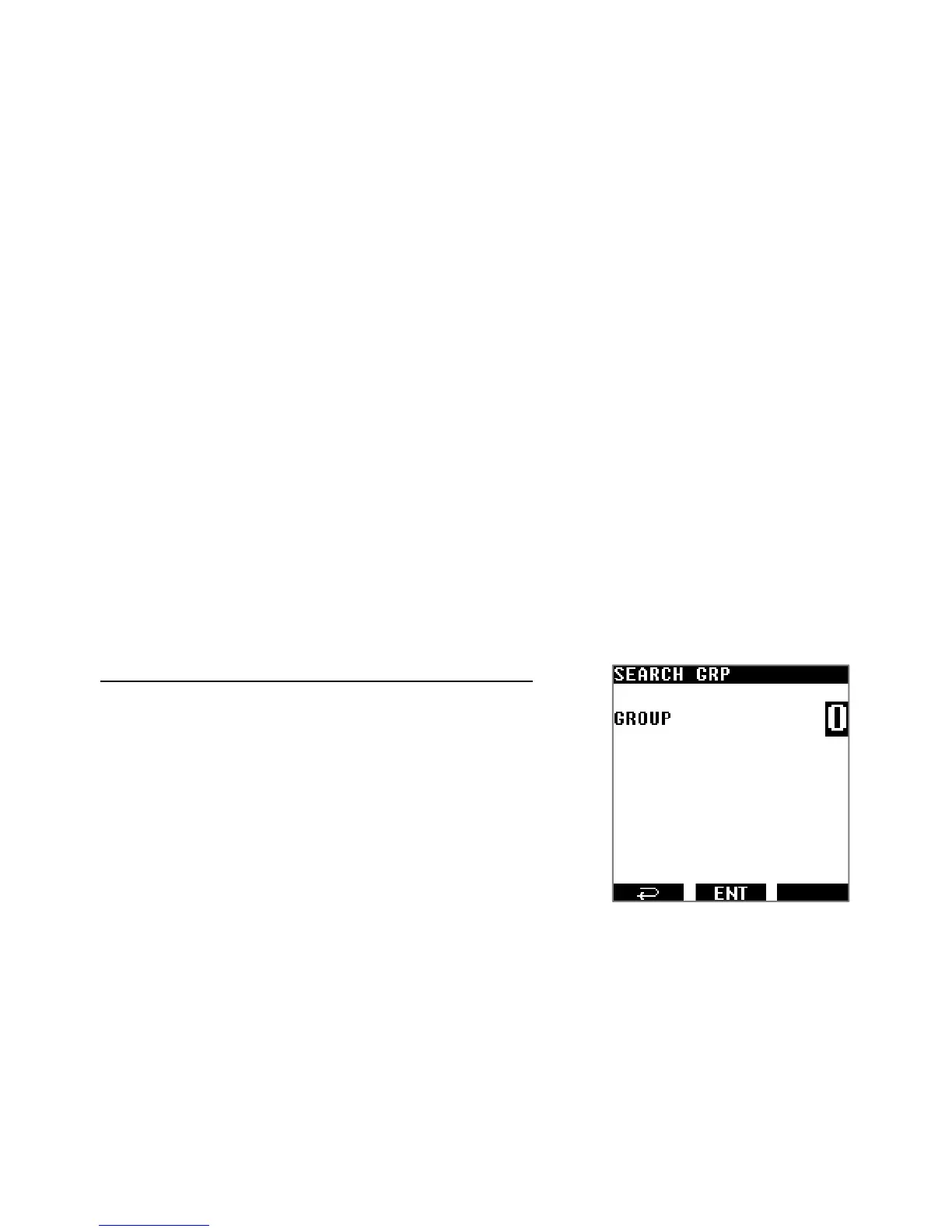
9.5. SEARCH A GROUP OF LINKED SEARCH BANKS
Select the search group of search banks linked previously:
1. Press [MENU] use the [▶] button to select [SRCH]
and press [ENT].
2. Use the [▶] button to select [GRP] and press [ENT].
3. Input the search group number with the keypad.
Start the search of this group:
4. Press [MENU] use the [▶] button to select [SRCH]
and press [ENT].
5. Press [ENT] again.
9.6. COPY/ERASE/MOVE SEARCH BANKS, GROUPS AND PASS FREQ.
Here you can copy, move, and erase the contents of search banks and search groups, as
well as delete pass frequencies.
1. Press [MENU].
2. Use [▶] to select [EDIT] and press [ENT].



 To Next Page