- 21 -
LCD Monitor User’s Manual
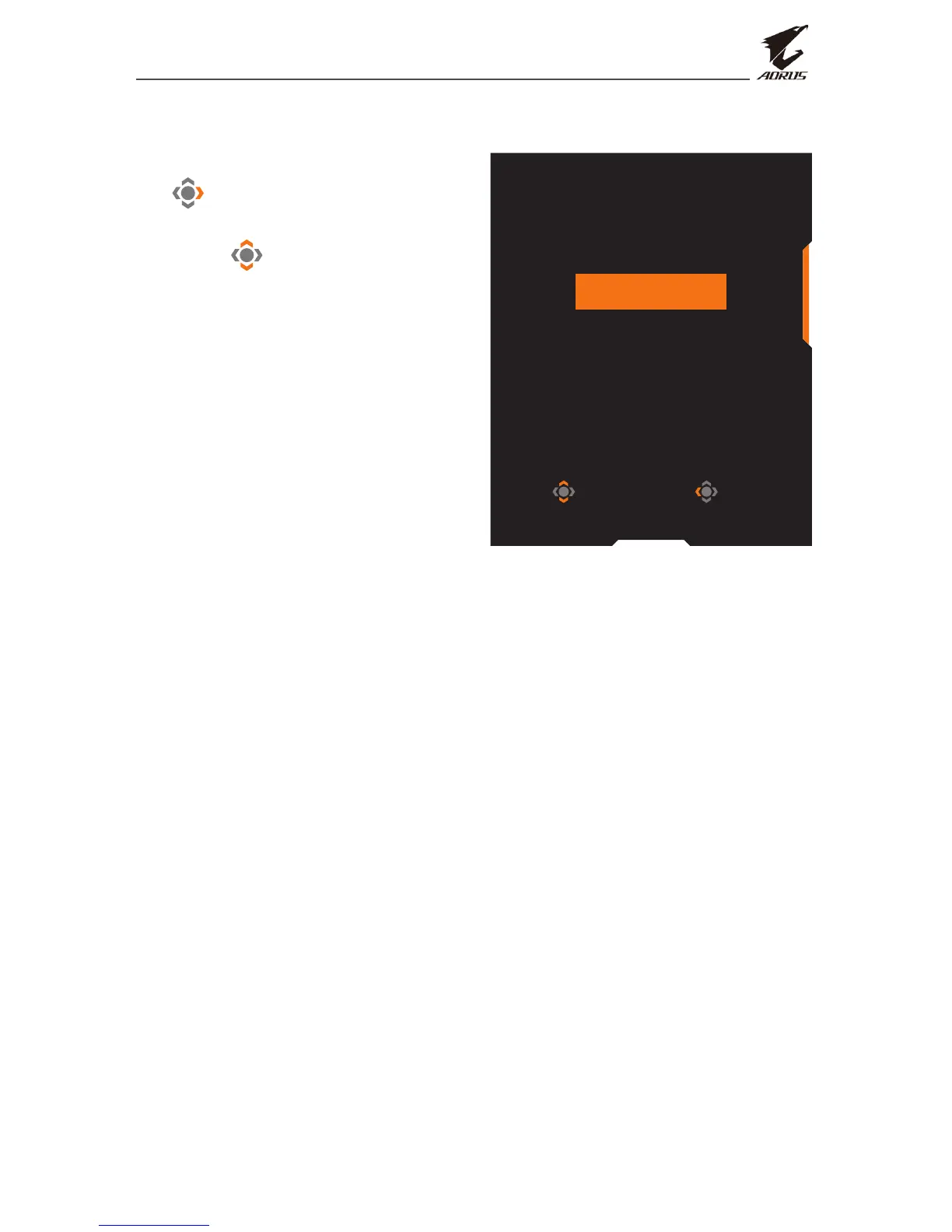
Selecting the Input Source
1. Move the Control button right
( ) to enter the Input menu.
2. Move the Control button up/
down ( ) to select the desired
input source. Then press the
Control button to conrm.
Select Exit
Input
DisplayPort
HDMI 1
HDMI2


 To Next Page