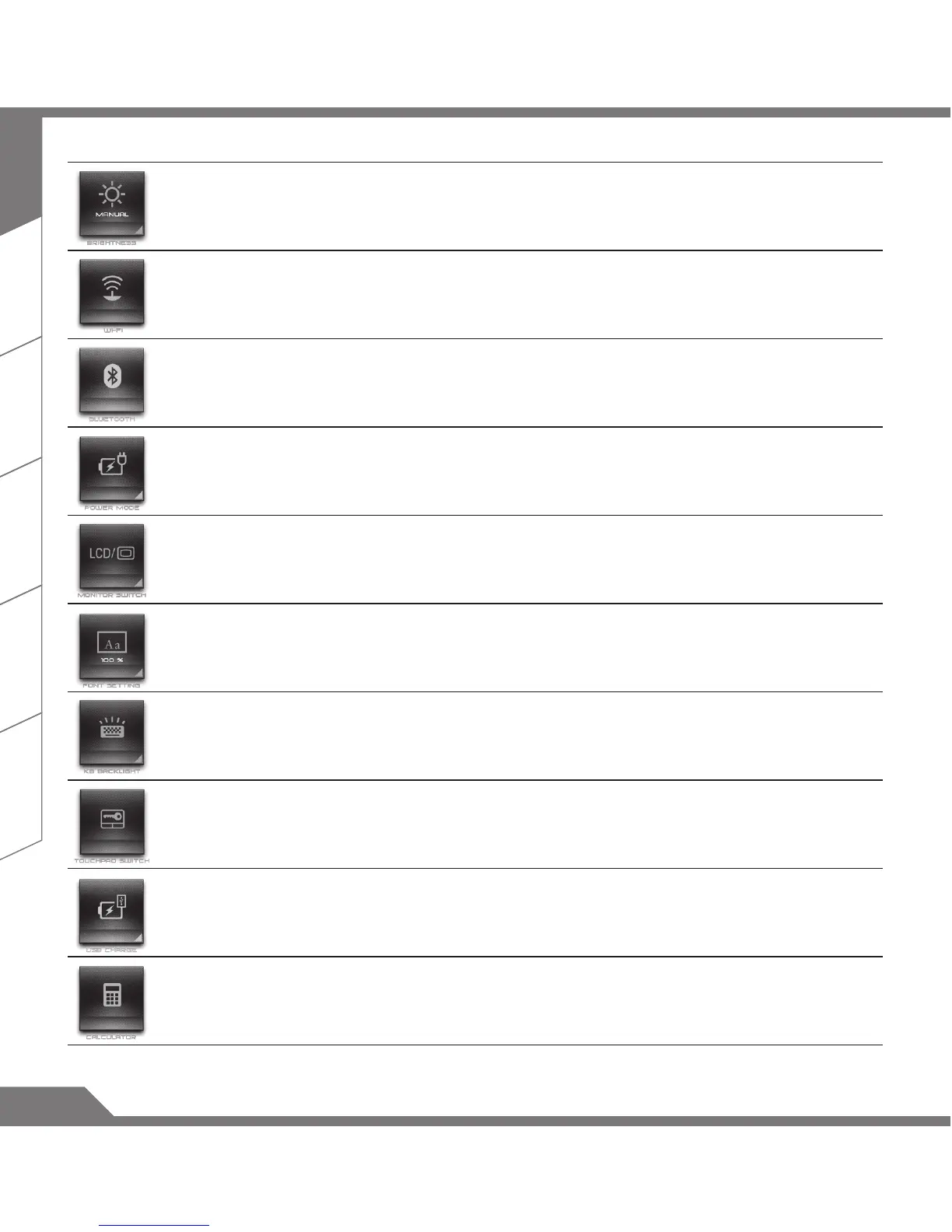
Brightness Setting Adjust Screen brightness.
Wi-Fi Switch Turn ON or OFF Wi-Fi connection.
Bluetooth Switch Turn On or Off Bluetooth connection.
Power Plan Setting
Adjust the power plan by user usage in order to obtain maximum
battery life or performance.
External Monitor
Setting
Switch between the computer screen and the external display
video output, or simultaneous display.
Font Size Setting Adjust font size.
Backlit Keyboard
Switch
Turn On or Off keyboard backlit.
Trackpad Switch Turn On or Off touch pad.
USB Port Charge Set USB charging during the sleep mode or hybirnation mode.
Calculator Open the calculator in Windows.


 To Next Page